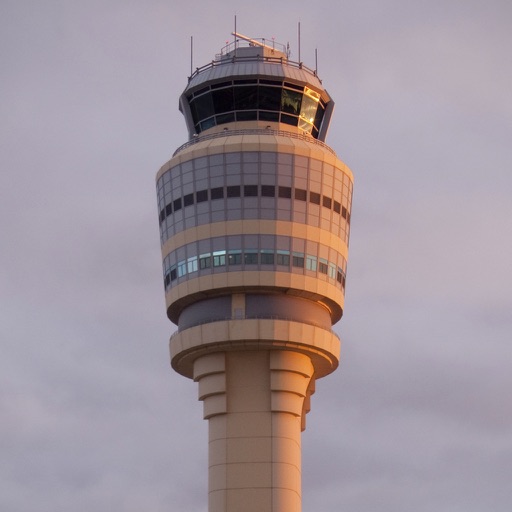
The app simulates air traffic control with authentic pilot voices and realistic radar behavior. Users manage arriving passenger jets at busy airports, establishing them onto final approach while maintaining separation.
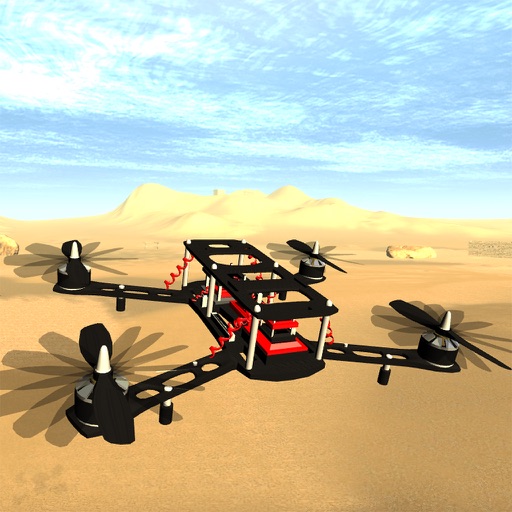
Pilot drones including micro quadcopters, hexacopters, and professional-grade models. Practice flying techniques, perform aerobatics, and navigate virtual environments. Adjust controls, monitor data, and save progress.
Practice and challenge blackjack skills with simulated games, track betting strategies, and test knowledge of layouts and wheel patterns. multiplication tables and predict neighboring numbers or colors on the wheel.
Learn IFR entries with interactive lessons and practice scenarios. Choose from multiple entry methods including parallel, teardrop, and direct. Test knowledge with quizzes and receive instant feedback.
Practice computer-based tests with timed questions and progress tracking. Simulate multitasking scenarios and mental arithmetic exercises. Improve short-term memory through targeted drills and review past performance.
Prepare for the FAA Knowledge Exam with practice questions, answers, and detailed explanations. Take full-length practice tests to simulate the exam environment. Track progress and review incorrect answers for better understanding.
Learn through targeted repetition and active recall. Use adaptive spaced repetition to adjust review intervals based on memory performance. Practice with multiple-choice quizzes and other modes to reinforce knowledge.
Access aeronautical charts, aerodromes, and waypoints for navigation. Visualize flight paths and chart details. Search for airports and waypoints. Save and organize charts for easy reference during flights.
The app helps users prepare for the Extra Class FCC Amateur Radio License exam. It offers question review, topic quizzes, and simulated exams to track progress.
Learn to fly with detailed information on aircraft systems, flight maneuvers, and airspace regulations. Access FAA Knowledge Exam questions and study materials. Track progress with practice tests and review sessions.
Debrief flights, prepare for next flight, simulate
Review flight data and debrief past flights. Prepare for upcoming flights with training modules. Use the procedural simulator to practice aircraft procedures. Connect GPS and audio recording devices for real-time data input.
Translate English text to with rule-based conversion. Share translated phrases with others. Speak translations aloud for pronunciation help. Enable hyphenation mode to break words for better learning.
Learn about the A320 aircraft with clear explanations of complex systems. Access visual aids to enhance understanding. Study for type ratings, command upgrades, or recurrent training. Review detailed diagrams and operational procedures.
Access airport information including runway details, facility data, and operational hours. Search by city, name, or code. Save favorite airports and set a home base for quick access. Browse airports by continent, country, and region.