Apps Like Solitaire Collection + for iPhone and iPad
Play , free cell, spider, tripeaks
Play Klondike by building foundations from Ace to King. Manage tableau piles by moving cards between them. Access free cell and Spider variations. Track game progress and save multiple sessions.
by Golden Wood Co., Ltd.★ 4.65,179 ratingsGamesFreeData updated 2026-09-25
Play by organizing cards in descending order from king to ace. Arrange cards by suit for complete runs. Move cards between columns in proper sequence. Place any card on an empty column. Reveal cards from stock to continue gameplay.
With classic Klondike rules. Choose between draw one or draw three gameplay. Tap or drag cards to move them. Enjoy soothing classical music and beautiful themes. Access daily challenges with new shuffles each day. Complete past daily puzzles.
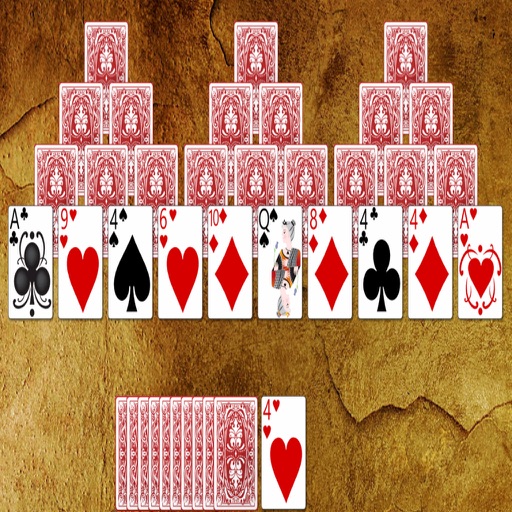
Play Solitaire by moving cards to an open card. Choose from 9 different patterns. Remove cards by matching them with the open card. Clear all cards to complete a level. No ads or pop-ups. All features are accessible on one screen.
Play by dealing three cards at a time. Use candy to draw more cards or rearrange them. Earn candy for consecutive card sequences. Track progress with smooth animations and dynamic music.
Play games with drag-and-drop or tap-to-move card actions. Throw cards with a shove feature. Supports portrait and landscape orientations. Track progress and access multiple variations including . Sync game state across devices.
Play Spider Solitaire with classic card game rules and customizable themes. Move cards between piles, reveal hidden cards, and clear the board. Save progress and adjust visual settings for different backgrounds.
The app is a variant of Klondike solitaire that uses two decks. The objective is to move all cards to eight foundations, ordered by suit from Ace to King.
The app is a FreeCell Solitaire card game played with a 52-card deck. The objective is to build four foundations from Ace to King, utilizing temporary card placement in free cells.
Play solitaire with drag or tap controls. Adjust stock settings and card designs. Choose backgrounds and scoring methods. Manage game progress and replay previous games.