Create and edit patterns with polyrhythmic tracks. Add bass and lead synths. Use audio unit support and new FX modules. Import and export projects. Playback and record loops. Retain compatibility with DM1 song files.
The app measures and uses a piano's inharmonicity to construct a custom tuning. It provides a strobe-like Phase Display and a versatile frequency spectrum display for fine-tuning.
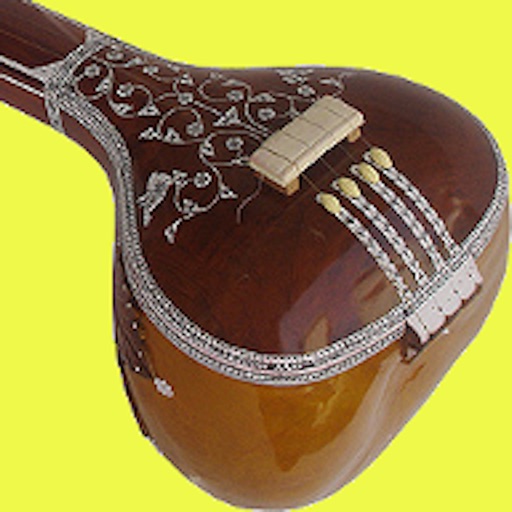
Access authentic nagma and recordings for , kathak, and Indian classical music. Explore 14 popular raags. Personalize practice sessions. Track progress. Sync with Apple Health. Share recordings. Adjust playback speed.
Play local and cloud-stored . Add or remove songs from a device. Create unlimited playlists. Control playback in background. Sync with computer for file transfers. Support for iPhone and iPad devices.
Edit tracks with EQ, Pitch, Tempo, Echo, Reverb, Flanger, and 20+ Equalizer presets. Loop song sections, apply time stretching, and practice with audio playback. Record voiceovers directly within the .
Browse and play music from a Subsonic-compatible server. Filter songs by genre, time period, or popularity. Discover new tracks via radio features. Access albums offline or online. Play similar songs with one tap.
Download and play files stored in services like Dropbox, Google Drive, and OneDrive. Access playback after downloading albums or playlists. Create custom playlists combining files from multiple sources. Sync across devices.
The app processes and synthesizes live voice for music creation. It offers tools like vocoders, auto pitch, and harmonizing pitch shift for diverse vocal effects and soundscapes.
Stream and download for playback. Create and customize playlists. Access a large library with various song versions. Search for songs, artists, and genres. Sync playlists across devices. Share with others.
Play from YouTube without ads. songs and videos directly. Use background play and picture-in-picture for multitasking. Sync playlists from other platforms. Sync across devices using iCloud. Connect to car audio systems.
-to- allows users to input and quickly. View in full screen and rotate it in four directions. Adjust voice, volume, speed, and pitch across multiple languages. Access - history and replay with one tap.
Browse across categories like Classical, Rock, Jazz, Dance, and Country. Search for artists, songs, or remixes. Access watch history. Auto-play next tracks. Repeat or shuffle songs. Enable background playback. Control playback from lock screen.