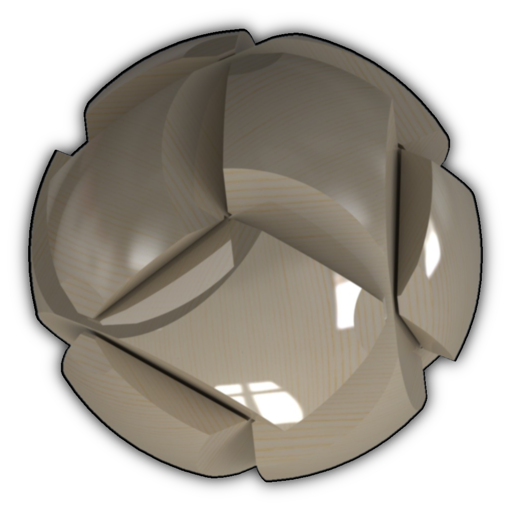
View and load 3D models in various formats including STL, OBJ, PLY, and others. Adjust mesh transparency. No registration required. Intuitive interface for easy navigation and interaction with 3D files.
Transfer files between mobile devices and computers without internet. Send photos, , and documents via local network. Open files in formats like DOC, Excel, ZIP, and JPG. Connect multiple iOS devices on the same LAN. Sync files directly to computers.
View and manage files including images, audio, videos, PDFs, Word, Excel, ZIP, and RAR formats. Search for files or navigate through folders. Open files in internal viewer or share them via social networks. Delete multiple files at once.
Extract and compress files in ZIP, RAR, and 7z formats. Open APK packages and tar archives. Compress files for email or storage. Extract files quickly with one-tap access. View details and manage archives directly.
View and inspect 3D models in various formats like PLY, STL, OBJ, and CTM. Open models from web links, emails, DropBox, or file shares. Navigate models with intuitive controls for zooming, rotating, and panning.
View 3D models on iOS devices with pan, zoom, and orbit controls. Load files from local storage or cloud services via a built-in browser. Use AR mode to visualize models in real space. Draw annotations directly on 3D views.
Scan documents into PDF files with auto-edge detection and multi-page support. Share scanned documents via email, text, AirDrop, and other messaging apps. Export in PDF format and adjust image quality settings.
Manage servers, NAS, and Linux routers via SSH without extra software. Connect remotely using terminal sessions. Execute scripts across multiple servers. Monitor performance metrics.
And decompress files with ZIP and RAR formats. View and open documents like PDF, DOC, and images. Create folders and manage storage. Access file viewer and organize files efficiently.
Extract and compress RAR and ZIP files. Browse and open documents including PDF, DOC, PPT, TXT, PNG, JPG, and GIF. View file contents without additional software. Manage and organize archived files directly within the .
Monitor and manage NAS server tasks and system status. View uptime, system health, firmware version, CPU, RAM, and disk usage. Control and track DS tasks from an iOS device.
Extract and compress files using ZIP and RAR formats. Browse and view contents of compressed files. Manage files with an integrated file manager. Open and extract archives directly without needing additional tools.