Control the via Wi-Fi with FPV support for real-time video and clear photo display. Enable GPS positioning and smartphone following flight. Record and view videos and photos from the drone.
by HOLY STONE TECHNOLOGY Co.,Ltd.★ 3.559 ratingsEntertainmentFreeData updated 2026-09-25
Display , latitude, altitude, and GPS speed. Show real-time weather, pressure, and wind direction. Track location with GPS and mobile sensors. View geographical data for accurate positioning.
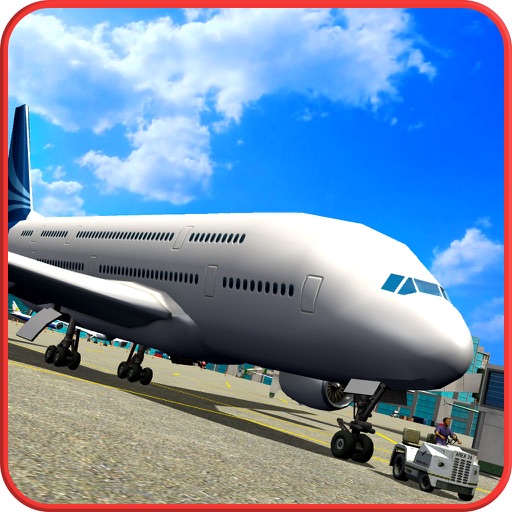
Pilot various aircraft through mountain terrain. Navigate 6 environments with day, dusk, night, wind, storm, or fog conditions. Handle emergencies like engine fires and control issues. Land planes and manage in- scenarios.
Control Car Camera via smartphone with wireless connection. Stream real-time video, download and playback media files. Edit videos and photos. Share content to Facebook, Twitter, and Instagram.
Control a four-axis drone using WiFi. View real-time video feed from the drone's camera. Capture photos and record videos on the device. Supports 720P resolution.
The app allows real-time parameter adjustments for DJI A2 Flight Controller Systems and DJI Ronin and Ronin-M. It supports Bluetooth 4.0 and displays real-time flight data.
The app allows an iOS device to function as a wireless network camera. Users can view the live video feed through any web browser or integrate it with video surveillance software.
Control a four-axis aircraft using an iOS device. View real-time video from the aircraft's camera via 2.4G WiFi. Capture photos and record videos directly from the mobile device.
Control a 3D airplane using forward, backward, left, and right buttons. Navigate through checkpoints and land on the runway. Avoid collisions with other planes. Adjust balance to prevent crashes. Park the at the destination point.
Control LED display mask with text input and animation effects. Use AI to generate celebrity faces or create custom graffiti. Import photos or album images to display on the mask. Access various animations and effects for different scenarios.
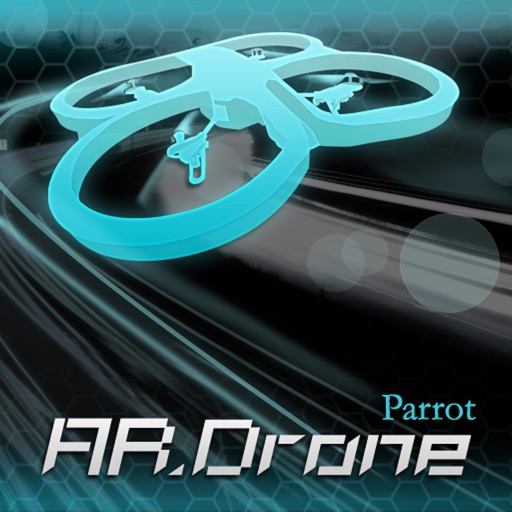
Control AR.Drone 2.0 via Wi-Fi using iPhone or iPad touchscreen as a directional pad. Choose between free flight or timed race modes. Capture aerial photos and videos during flights. Perform aerobatic maneuvers mid-flight.
Control aircraft flight with gravity, rocker, trajectory, and headless modes. Capture photos and videos with voice, gesture, or VR controls. Apply filters and view real-time camera feed on the mobile device.
Control a remote vehicle with real-time video streaming from its onboard camera. Use intelligent target tracking and laser alignment for interactive play. Navigate with basic driving controls and adjust movement via a touch interface.
Control a toy quadrocopter via WiFi. Adjust flight settings and view real-time video feed. Arm and disarm the drone. Record and transfer video footage directly. Monitor battery level and signal strength.