Photos by selecting and painting over areas with a magnifying glass tool. Adjust intensity and apply pixelation effects. Remove blemishes and add filters. Export edited images in high resolution.
The app offers photo editing and camera features for decorating child photos. It includes various theme designs and over 700 free stickers for special occasions.
Remove objects, people, or backgrounds from photos using AI-powered detection. Tap or brush to select areas, and the automatically erases selected elements. Replace backgrounds with new ones for a clean, natural look.
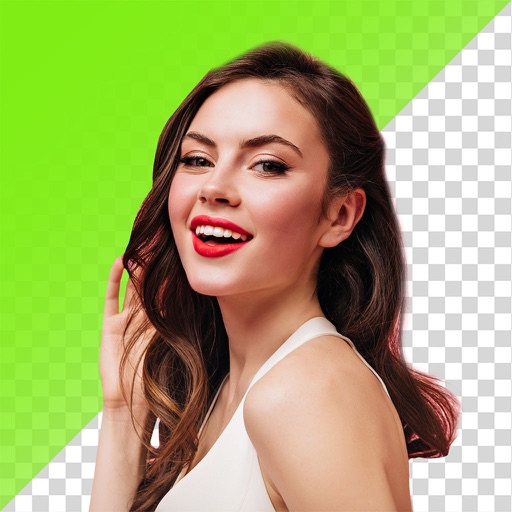
Remove backgrounds with one-tap AI detection. Adjust edges and transparency manually. Replace backgrounds with solid colors or images. Export edited photos in high resolution.
The app combines audification of greyscale pixel data with image filters for image sonification and sound design. It allows control of pixel scan rate for pitch variation and uses an ADSR envelope for non-linear pitch sequences.
Create -based prototypes and level designs. Import sprite sheets and split them into individual sprites. Set terrain bit mask rules and generate brushes for terrain drawing. Define TileDefs with custom sizes, animations, and colors.
Edit photos with smart foreground recognition to isolate subjects. Add customizable with options for font style, size, color, opacity, alignment, spacing, shadow effects, and background colors. Crop images using an easy-to-use tool.
The app provides layer support, selections, and masks for photo editing. Users can export projects with layers preserved and access various tools and filters.
The app allows users to edit and overlap two images with transparency and blending effects. Users can select parts of images to keep or erase, and apply filter effects and tune image settings.