Videos and clips with one click. Download content for offline viewing anytime. Watch saved streams without an internet connection. personal VODs like weddings or parties for later playback.
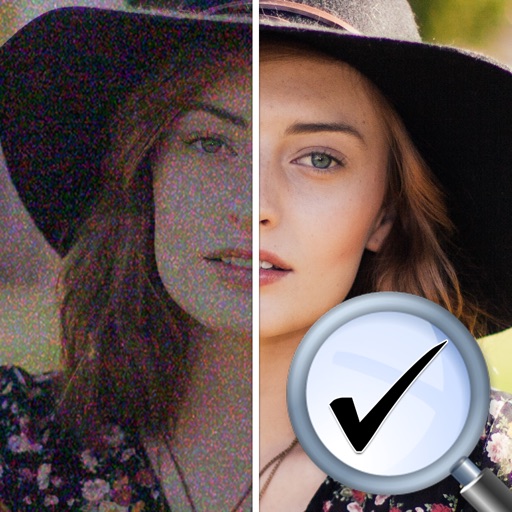
Scale and denoise images using on-device AI algorithms. Apply multiple denoising and upscaling methods. Process images without sending data to external servers. No ads or personal data collection.
Share videos to appear in specific locations or chosen areas. View trending videos, hot topics, and recent posts based on location. Access and share from any location. Stay updated on local and selected area activity.
Instagram content without watermarks. Access profiles and stories. Copy share URLs from posts. to your feed or for later. Share reposted content to other platforms.
Edit videos with high-quality color grading tools. Adjust brightness, contrast, saturation, and hue. Apply custom filters and fine-tune each parameter. Export videos in various formats and share directly.
Combine concert audio with videos to create immersive concert clips. Mix audio tracks for optimal sound quality. Share videos directly to artists via the Share to Artist feature. Engage viewers with interactive fan content on social platforms.
Clean up photos and videos to free up iPhone . Delete duplicates, organize files, and preview content. Export selected media to cloud or computer. Manage usage with clear category breakdowns.
Snap photos in a built-in photobooth with retro-style polaroid filters. Apply sunglasses and bandanna effects. Post photos and short videos to a public feed. Scroll through user-generated content. Like and comment on posts.
Convert videos and photos into live photos with customizable key frames and trimming options. Adjust rotation and flipping settings. Access advanced features via an auto-renewing subscription.
Watch live TV channels via technology. Add or paste an M3U playlist to stream content. Access sports, music, and other channels on iPhone or iPad. Requires internet connection and user-provided playlist.