Create and produce music with beat-making, track composition, and sampling tools. Record and sequence audio and MIDI. Use high-quality UVI instruments and effects. Export mixes, stems, or project files. Share tracks on YouTube or SoundCloud.
Record and manage audio loops with adjustable length and auto-record features. Control loops via MIDI foot controller or onscreen buttons. Enable count-in and auto-close loops without manual input. Sync with MIDI devices for hands-free performance.
Play using physical modeling technology that generates real-time sound based on user input. Adjust bow pressure, position, and velocity for expressive performance. Use the Room Simulator "Ambiente" to create immersive acoustic environments.
Create and customize chord progressions using scale types, chord types, and voicing parameters. Generate rhythmic patterns and random sequences for musical variations. Export MIDI files and integrate with digital audio workstations.
The app is a vertical layout music sequencer for keyboard music. It includes a scroll-along feature with MIDI keyboard input and supports 3rd party instrument files and different tunings.
Create music using 8-bit synthesizer with NES and C64-inspired features. Use 8 multitimbral channels via MIDI. Integrate with Audio Unit Version 3 hosts. Support Audiobus for audio routing.
The app transforms an iPhone into a touchless music instrument using the camera and flash to detect hand distance. This input generates tones through an old-school synthesizer with various sound presets and scale options.
Play drum kits in mixed reality without a physical set. Use and sticks with real sound from the Vision Pro speakers. Choose from multiple drum models and sound kits. Connect optional commercial or DIY controllers as foot pedals.
Monitor activity on iOS devices. Filter events by type, group, or channel. View detailed interpretations of event packets. Display raw data in decimal and hexadecimal formats. Send feedback via email. Rate the through the settings page.
The app allows users to browse, select, and control Tones and Rhythms for Roland BK-series instruments. Users can play their instrument while using an iPad as a duplicate of its front control panel for quick access to functions.
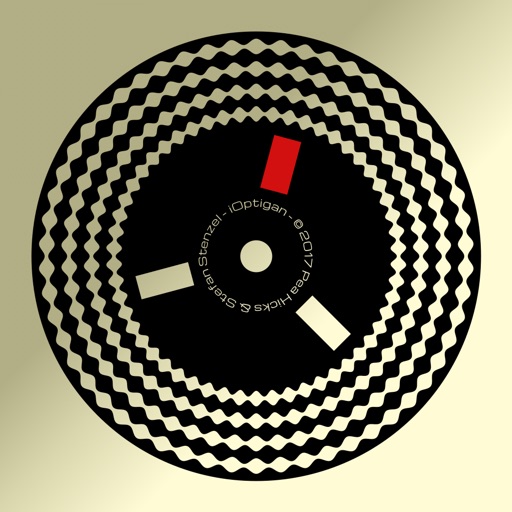
Play music using optical discs with 57 concentric tracks. Select chord patterns by pressing buttons. Choose from different musical styles like Bossa Nova or Big Band. Control playback speed and volume.
Displays real-time for synchronization during performances. Shows BPM, elapsed time, song title, and key or received notes. Tracks progress within adjustable bar intervals.