Edit photos with advanced filters, manual color grading, and adjustment tools. Crop, rotate, and apply effects. Export in various formats and share directly.
by Steven Topczewski★ 4.554 ratingsPhoto & VideoFreeData updated 2026-09-25
Create and using text-based prompts. Describe edits in plain text, and let AI generate the changes instantly. Remove objects, adjust expressions, or transform images into different styles without needing advanced skills or complex tools.
Edit photos with stickers, filters, and effects. Add text and manga-style elements. Create collages and share directly. Adjust brightness and contrast. Save and export in various formats.
Create videos using AI by inputting text or scripts to generate scenes, music, and narration. Edit videos with trimming, transitions, and effects. Export in multiple formats and share directly to TikTok, Instagram Reels, or YouTube Shorts.
Edit photos with filters, background removal, and object replacement. Apply aesthetic filters and place into stylized templates. Record and edit with AI enhancements. Share edited content directly.
Visualize music with interactive waveforms and color patterns. Learn tonal languages by seeing pitch representations and practicing mimicry. Practice singing with pitch tracking and note recognition.
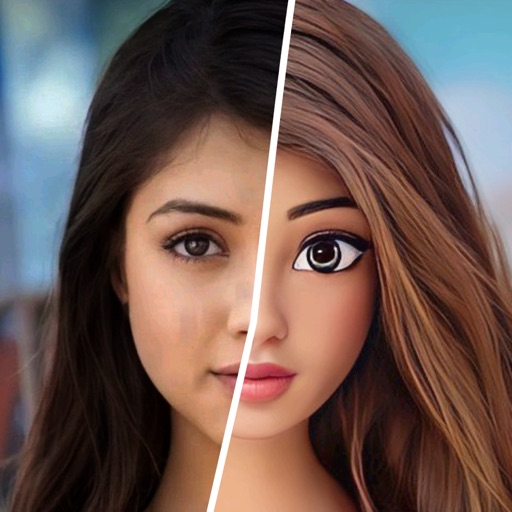
Edit photos with AI-powered background removal and custom background options. Apply artistic effects like cartoon styles. Enhance portraits with AI adjustments. Export edited images in various formats.
Apply filters to photos and videos to enhance colors and tones. Edit videos with trimming, cutting, and adding effects. Share edited content directly to social media platforms.
Edit facial expressions with AI-driven tools to add or adjust smiles and laughter. Refine head position and facial details for natural results. Enhance overall appearance while maintaining authenticity. Export edited images in high quality.