Edit photos with advanced filters, manual color grading, and adjustment tools. Crop, rotate, and apply effects. Export in various formats and share directly.
by Steven Topczewski★ 4.554 ratingsPhoto & VideoFreeData updated 2026-09-25
Edit photos and videos with basic color adjustments including brightness, contrast, saturation, and white balance. Choose media from the gallery or capture new photos. Apply 3D LUT color filters downloaded from a server.
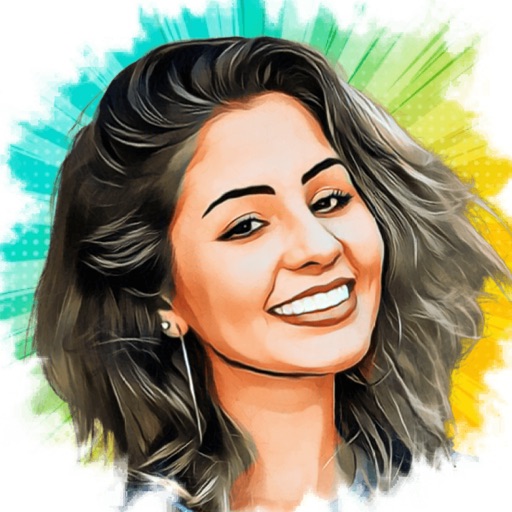
Turn photos into cartoons with AI-powered filters. Add toon backgrounds and layouts. Edit self-portraits with effects. Share edited images on social media platforms. Apply digital art filters and create anime-style avatars.
Edit photos by adjusting brightness, saturation, and contrast. Crop, rotate, and apply special . Draw on images, add text, and create graffiti. Share edited photos directly from the .
Edit photos with film filters, manual date adjustment, and flare effects. Choose 16:9 or 4:3 aspect ratios. Apply film burning effects and export in various formats.
Edit photos with cropping, resizing, and background removal tools. Generate AI images and create collages. Adjust colors and brightness. Export in various formats and share directly.
Videos to reduce file size. Trim clips to remove unwanted parts. Convert between formats. Save storage space by optimizing media. Edit videos with cutting and format conversion tools.
Edit photos to slim the waist, shape the butt, tone arms, adjust thighs, increase bust size, and enhance skin tone. Remove blemishes and refine skin texture. Access in- tutorials for guidance. Export edited images in various formats.
Convert static photos into dynamic AI videos with cinematic effects. Add music, text, and transitions. Share directly to social media platforms. Edit video clips, adjust timing, and apply filters. Save and export in various formats.
Edit photos with selective desaturation, recoloring, and color layer adjustments. Apply AI-driven auto brushes for intelligent color detection and manual brushes for detailed edits. Pan and zoom to refine edits.
The app offers pro color tools for grading various log footage on iPhone. It features a 16-bit Metal pipeline for cinematic color, highlight roll-off, and natural tones.
Edit photos with AI-enhanced upgrades, color balancing, and lighting adjustments. Retouch skin and remove blemishes automatically. Adjust exposure, contrast, and clarity with one tap. Export edited photos in high resolution and share directly.
Unlock iPhone camera potential with manual controls.
The app provides manual camera controls for exposure, ISO, focus, and white balance. Users can edit photos with 175 filters and 12 adjustment tools, previewing all filters simultaneously.
Capture photos with real-time filters mimicking 35mm film, Polaroid, and point-and-shoot cameras. Apply grain, color shifts, and film textures. Adjust exposure, contrast, and saturation. Save and share edited photos directly.
Edit photos with AI-powered tools like Magic Eraser and AI Background Changer. Remove unwanted elements, generate images, and enhance photos without manual adjustments. Create studio-quality edits and share directly.
Backgrounds with a few taps. Replace or remove backgrounds instantly. Apply effects like , mosaic, and zoom. Customize edits with adjustable settings. Export edited photos in various formats. Share directly from the .
Edit photos to enhance clarity and detail. Remove blur and adjust colors. Generate AI art from text prompts. Create videos with AI-powered editing tools. Export and share final projects in various formats.