Create Yes/No stickers to fix or flip messages. Replace text for pranks or corrections. Make custom tapbacks with emojis or colors. Choose from various styles to personalize replies.
Add stickers to iMessage conversations featuring animated and humorous designs. Choose from a variety of actions like wrapping a blanket, smacking, or laughing. Share stickers directly within messages.
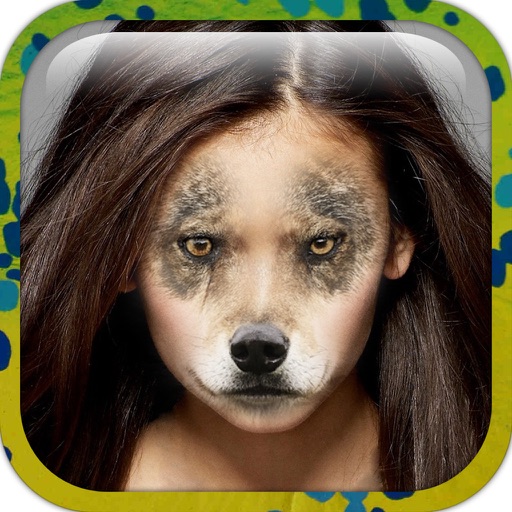
Apply filters and facial features in real-time. Adjust intensity and style options. Share edited faces directly to social media. Customize patterns and save presets.
Fry the last frame of videos to upload to TikTok. Edit memes by frying images or GIFs from the photo library or Gfycat. Share finished memes to camera roll or via iMessage as stickers. Open created memes in TikTok and Snapchat.
Create personal stickers by capturing photos or selecting images from your library. Draw outlines to cut out desired areas and adjust sizes. Save and share stickers directly with friends.
Create montages by selecting a character template and uploading a photo. Swap faces with a friend or use your own image. Apply detection to align your with the template. Share the final result.
Create animated eCards by adding faces, text, stickers, and sound effects. Choose from a collection of faces and sounds. Save and share as GIF or video with sound.
Edit photos by applying faces and filters. Choose from free templates to try on. Upload photos from albums or Facebook. Share edited images on Twitter or Facebook. Select preferred for personal use.
Create and send custom stickers in real-time. Choose from a wide library of designs and personalize with text, colors, and effects. Share stickers across messaging apps and edit them directly within the .