Set dynamic wallpapers for lock screen with high-quality animations. Browse monthly calendar and holidays directly from lock screen. Save preferred wallpapers to a collection for easy access. Create custom calendar wallpapers.
by 志平 吕★ 4.69 ratingsUtilitiesFreeData updated 2026-09-25
The app provides animated wallpapers with various themes like beaches and fireplaces. It can also hide desktop icons for presentations, offering a connection to nature's calming effects.
Reminds users of upcoming calendar events with full-screen notifications. Displays event details and location. Allows quick response actions like adding to favorites or marking as attended. Integrates with Apple Calendar.
Fill the screen with a solid color or custom image. Use Fullscreen Color Cycle mode for dynamic color transitions. Take screenshots of multiple windows without desktop clutter. Focus on one task by hiding other applications.
Optimize device settings for products. Adjust brightness, volume, and touch sensitivity. Enable/disable features like auto-lock and screen timeout. Provide troubleshooting guides and system updates.
Apply screen protectors with precision using a built-in alignment guide. Adjust positioning with calibration tools. View before-and-after comparisons. Save custom templates for future use.
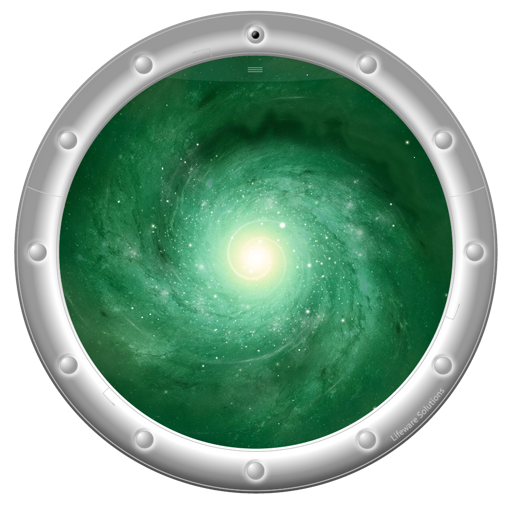
The app displays a clock, calendar, and iCal task list with a customizable 3D rotating galaxy background. Users can adjust the galaxy's perspective, angle, speed, and size, and enjoy ambient space sounds.
Displays the current month with holidays and events. Select any date for detailed view. Show current date in menu bar and dock. Access calendar features via widget. Customize date display settings.
Control smart locks by sending unlock commands via phone. Locate vehicles using GPS. Manage access permissions and track device status in real time. Remote lock and unlock features available.
Access waste collection schedules and recycling guidelines. Set reminders for container pickup. Locate nearby public underground containers. View separation instructions and calendar.
The app provides live wallpapers designed to help users relax during busy days. It offers various themes like aquariums and nature, along with widgets for date, time, weather, and battery.
Block apps and websites instantly to eliminate distractions. Set scheduled blocking periods and use a focus timer to manage work sessions. Track screen time and hours spent in focus mode. Lock specific apps during Zones to maintain productivity.
Timers and reminders allow users to track important dates and milestones. Set custom countdowns with color options. View countdowns on lock and home screens via widgets. Receive alerts for upcoming events.
Customizable digital clock displays 12/24 hour formats with optional seconds. Shows dates in multiple international formats. Supports global time zones with easy switching. Can be positioned anywhere on the screen.