Create wallpapers from videos by selecting a video, choosing an image frame, and generating the . Set it as a lock screen to view movement when pressed and held. Adjust settings if needed for optimal performance.
Set wallpaper with high-resolution HD 4K images. Automatically resize and crop images to fit device screen. Download and apply without internet connection. Manage saved images and remove unwanted ones.
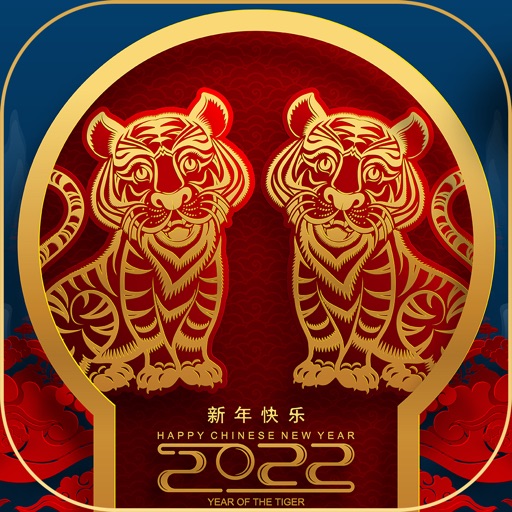
Provides festive featuring red rooster, lanterns, and ornaments for home and lock screens. Allows users to download and set background images for their devices. Includes holiday-themed visuals for the New celebration.
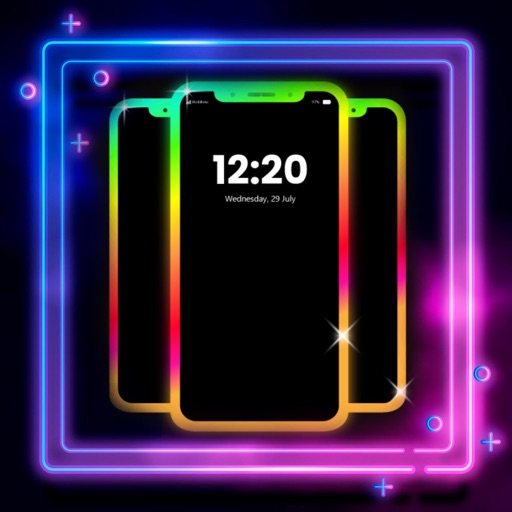
Create glowing borders around your phone's edges for both Home and Lock Screens. Customize colors, patterns, and effects. Sync with wallpapers for enhanced visual appeal.
Create collages, stories, and posts from photos with 1000+ layouts and themed templates. Remix up to 20 images with editing tools. Apply filters, remove backgrounds, and add cutouts. Share directly to social media or save as files.
Create AI-generated images, avatars, and logos from text or photos. Edit photos with advanced tools. Redesign home interiors using AI. vatars from uploaded images. Transform ideas into visuals with AI-powered design features.
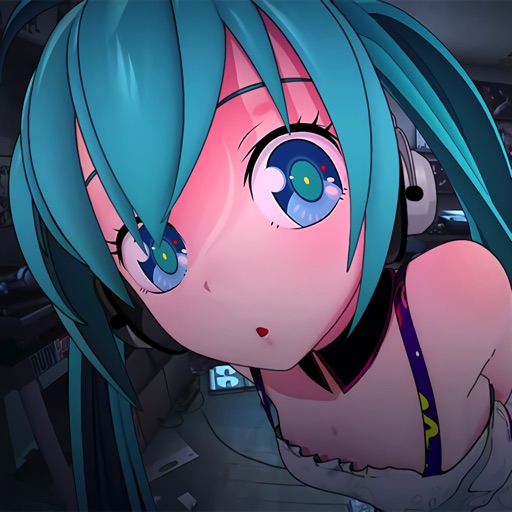
Offers live featuring and manga characters. Users can set these as lock screen and wallpaper. Characters animate on the screen. Tap to interact with animations. Customizable wallpaper settings available.
Create collages using pre-designed templates and personal photos. Sort images by color to filter matching photos. View and photo library simultaneously for easy arrangement. Add web images directly from the . Export and share finished collages.
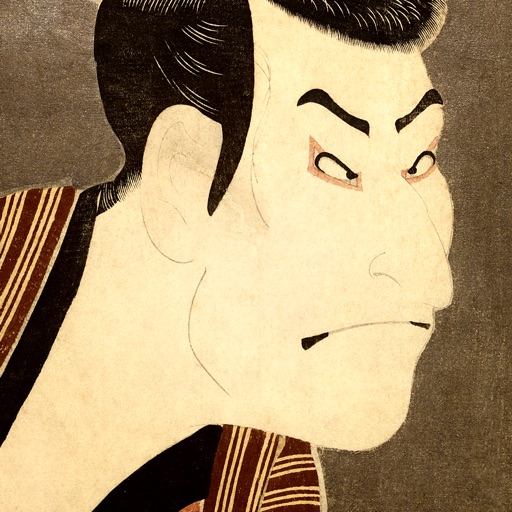
Save and organize featuring works by Hokusai, Hiroshige, and Sharaku. Set as home or lock screen. Create favorites folders and browse through curated collections. Support iOS parallax effect.
Select high-definition from numerous options. Daily updates offer fresh trends. Filter by dozens of categories and hundreds of theme albums. Swipe left or right for quick previews. Zoom in on for detailed customization.