Apps Like Cellulite Remover PRO for iPhone and iPad
Edit photos with precision and clarity
Edit photos with skin smoothing tools, texture adjustment, and blemish removal. Apply targeted retouching to specific areas. Export edited images in high quality and share directly.
by Yurii Kryvyi★ 0.00 ratingsPhoto & VideoFreeData updated 2026-09-24
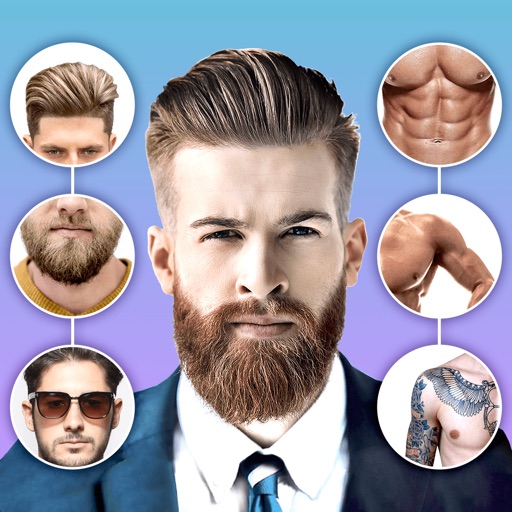
Edit photos with body shape modification tools and hairstyle customization options. Adjust skin tone and facial features. Add filters and effects. Export edited images in various formats and share directly.
The app allows users to reshape their body and add muscles or reduce their belly in photos. Users can also adjust height, nose shape, and skin tone for a desired look.
Browse product categories and view detailed skincare ingredient information. Add items to a cart and proceed to checkout. Track order status and view past purchases. Access customer reviews and ratings.
Post photos and videos without cropping for Instagram. Add blur backgrounds automatically. Resize, rotate, and zoom content within the square. Apply effects, filters, stickers, and text. Select no layouts. Support 1080P video. Save in high quality.
Take selfies with real-time beautifying filters. Adjust skin tone and appearance using specialized filters. Swipe to switch between different filter options. Share edited selfies directly.
Edit photos by typing desired changes like removing acne or adding a smile. Transform faces into anime characters. Retouch skin for a smooth, natural look without filters. Adjust expressions to appear more confident in photos.
AI allows users to enhance photos using AI technology. Adjust skin tone, remove blemishes, and generate new poses and backgrounds. Edit portraits and headshots with dynamic AI features. Export edited images in high quality.
Edit photos with advanced filters, backgrounds, and effects. Adjust skin tone, eyes, and facial features. Add text, stickers, and borders. Export in various formats and share directly.
Edit photos with AI-powered enhancements, filters, and effects. Crop, rotate, and adjust brightness, contrast, and saturation. Add text, stickers, and borders. Export in various formats and share directly.
Photos with filters, adjustments, and effects. Apply blur, focus, and rotation. Add text, stickers, and draw on images. Crop, resize, and enhance photos. Remove blemishes and whiten smiles. Save or share edited images.