Smart TV functions such as channel navigation, volume, and menu access. Manage playback controls like play, pause, and stop. Adjust settings and access tools through the iPhone interface. Requires both devices to be on the same Wi-Fi network.
Turn your iPhone or iPad into a control for Smart TVs. Navigate menus with a touchpad and keyboard. Adjust volume, play/pause, and switch channels. Automatically detect and connect to compatible TVs.
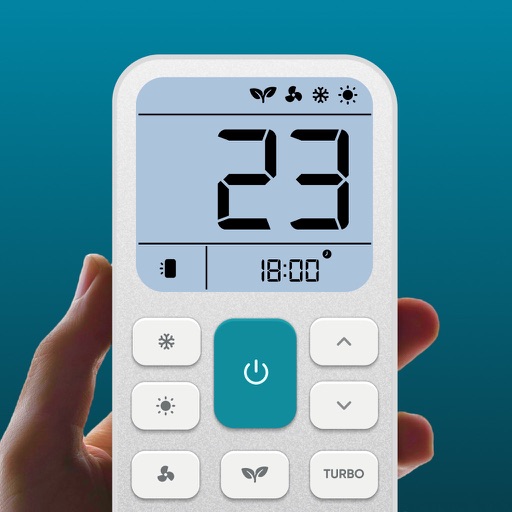
Control air settings from a smartphone. Adjust temperature, switch modes, set timers, and change fan speed. Connect to multiple AC units. Compatible with various brands. Manage cooling or heating remotely. View and adjust schedules.
Control TV functions like volume and channels via smartphone. Access favorite apps and services from a media center interface. Support for all basic TV operations. Includes dark mode for nighttime use.
Control TV functions with button layout customization. Adjust volume, power, and input settings. Navigate menus and launch apps. Pair with multiple TVs and manage device connections.
Control your TV with touchpad navigation and full remote functionality. Access expanded channel options and enjoy ad-free viewing. Subscribe for enhanced features and automatic renewal.
Control vehicle functions remotely by locking, unlocking, and accessing car features through a user-friendly interface. Schedule engine start, monitor battery levels, and receive maintenance alerts.
Control Samsung TV via iPhone or iPad on the same Wi-Fi network. Navigate menus, adjust volume, and use a touchpad for precise movement. Access voice commands and customize button layouts for different TV models.
Replace your physical with a smartphone for TV or Stick. Control playback, adjust volume, and navigate menus. Connect directly to your device for simple, intuitive functionality.
Control devices via Bluetooth connection. Customize preferred settings and adjust intensity levels. Add friends to share experiences. Manage device functions through the interface.
Control network-enabled devices with functions. Stream music wirelessly to compatible speakers. Manage playlists, play, pause, and adjust volume directly from the .
TV functions with a . Adjust volume, change channels, and navigate menus. Customize button layouts and save multiple device profiles. Supports major smart TV systems and over 100 TV brands.
Control Roku device remotely via Wi-Fi. Navigate channels, adjust volume, and manage playback. Access keyboard for text input. View and control screen mirroring sessions. Manage playback settings and system menus.