Draw and share illustrations with real-time collaboration tools. Access a community with millions of user-generated artworks. Use advanced drawing features for precise line work and color blending.
Create and customize featuring gradient palettes. Select from patterns, multi-, vibrant, or pastel gradients. Unlock all images a single in- purchase. Restore previous purchases. No subscriptions required.
Create images, drawings, and paintings with customizable brush settings including thickness, color, transparency, and dynamic intensity. Sketch and modify simple graphics for logos, clothing, hairstyles, and more.
The app allows users to draw and sketch ideas with an easy-to-use interface. It offers various tools like pencil, line, oval, and rectangle, along with an eraser and undo/redo functionality.
Create from photos or hand-drawn doodles. Edit with cropping, rotation, and color adjustments. Save and send via iMessage. Use Apple Pencil for detailed drawing on iPad.
Draw figures with a single continuous without retracing any line. Navigate through levels with challenges like directional lines, warp points, and triggers to complete each puzzle. Track progress and solve increasingly complex paths.
Learn the alphabet through exercises and dot-to-dot games. Practice letter formation with sound-based pronunciation. Access free drawing pages and number activities. Build skills with interactive alphabet games.
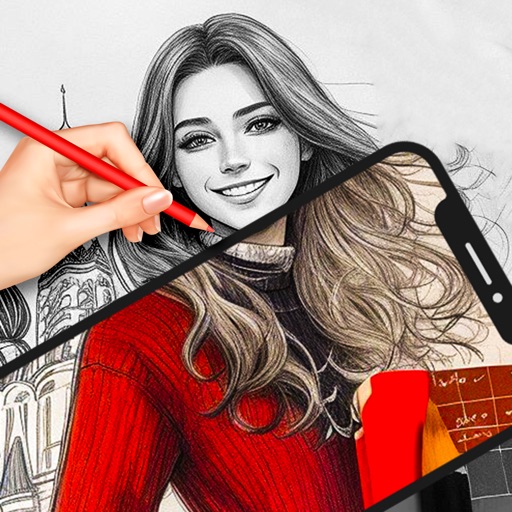
AR Camera Projection allows users to images onto paper using their phone's camera. 300+ templates provide a variety of sketching options. Users can adjust line weight and color. Export drawings in multiple formats and share directly.