Font manager allows users to access 100+ stylish for social media and design projects. Generate text with customizable for Instagram, Facebook, WhatsApp, and other platforms. Export text with selected for sharing across apps and social media.
Create digital with pressure-sensitive strokes. Adjust pen pressure for varying line widths. Choose from multiple brush styles and ink colors. Save and share artwork directly. Import custom fonts and templates. Export in various file formats.
Edit photos by applying customizable textures from a library of 45+ patterns. Adjust brush size and texture opacity for precise control. Change texture colors to match the image's tone using the Tint feature.
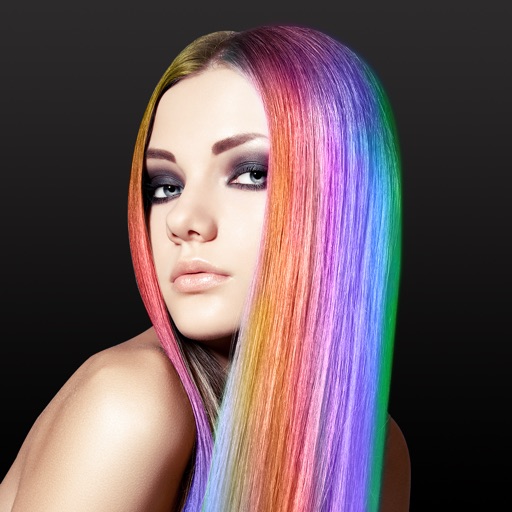
Edit images and videos by selectively recoloring elements. Extract objects, shapes, and text using tracing, magic eraser, and recoloring tools. Deform and extracted elements with distortion tools.
Create calligraphy, customize styles, save and share
Create Arabic-style calligraphy with customizable styles and colors. Design with vector shapes and adjust curves. Align text or shapes using alignment tools. Adjust layer order to bring elements forward or send them back.
Allows users to draw and explore with infinite scroll and . Create digital artwork using Apple Pencil support. Adjust brush settings for precision. Save and export drawings in various formats. Collaborate in real-time with others.
Merge multiple photos into a single artwork by selecting and combining image sections. Remove or re-add parts using finger painting techniques. Adjust brush settings for precision.
Play by matching tiles with identical pictures. Remove all tiles in the fastest time for the highest score. Tiles are arranged in a grid with 43 unique images. Swipe to select and pair tiles for removal.
Learn basic alphabets and practice letterforms with guided techniques. Create custom names using brush and pen tools. Add decorative symbols and design greeting cards. Export and share finished artwork.
Download to set as phone background. Share with friends. Access categories like Arabic, calligraphy, Kaaba, and landscape . Apply high-definition backgrounds to device home screens.
Use the to project real-time grids and guidelines for precise . Adjust grid size, opacity, and angle. Import sketches or paintings for reference. Save and export artwork in various formats. Sync drawings across devices.
Edit photos with brushes and black-and-white effects
Edit photos by converting them to black and white and selectively retaining with a finger brush tool. Zoom in and out using two-finger pinching for precise adjustments. Share edited images via email or upload to Twitter, Flickr, or Dropbox.
Create digital artwork with customizable brushes and adjust texture, shape, and paper quality. Import and export images in various formats. Access unlimited brushes and tools for free for 30 hours monthly.