Edit photos by adding custom logos. Choose from Square, Landscape, or Portrait formats. Import images from the photo library. Add custom text to create a . Adjust font, size, rotation, and color. Position the anywhere on the canvas.
by Thomas Lojko★ 4.8874 ratingsPhoto & VideoFreeData updated 2026-09-24
Post full-size photos to Instagram without cropping. Adjust orientation, scale, and flip images. Apply filters, add borders, frames, stickers, and text. Customize backgrounds with blur, shapes, and shadows.
Convert and to format without cropping. Select a background color and apply blur for background effects. Save the edited content to your camera roll for social media sharing.
Load photos from a table. Add text or image watermarks with customizable font, color, opacity, and positioning options. Resize photos to desired dimensions. Export in PNG, TIFF, JPG, GIF, BMP, JP2, or HEIF formats.
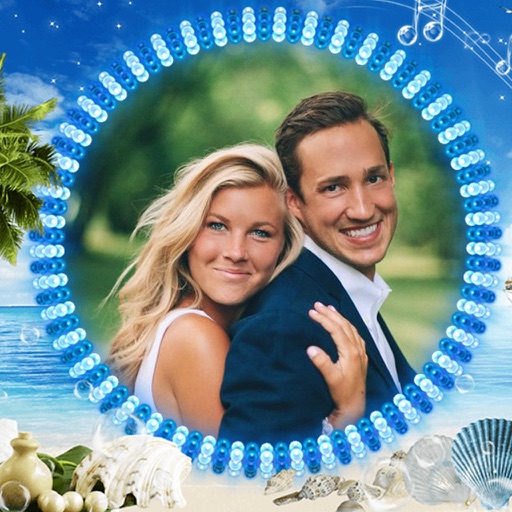
Edit photos by selecting from the gallery or using the camera. Apply various frames and effects. Adjust position, size, and angle of images. Save, share, or upload photos to social networks like Facebook and Twitter.
Edit photos with cropping, rotation, and creative tools. Apply 15+ color filters and stickers. Capture photos with camera or choose from gallery. Create square-style collages and share directly.
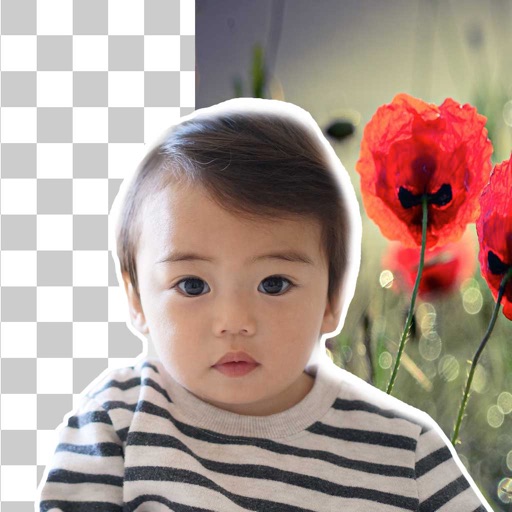
Remove backgrounds from photos using brush tools with adjustable size and hardness. Erase selected areas with undo and redo options. Add text with customizable font and formatting. Place edited photos on various templates.
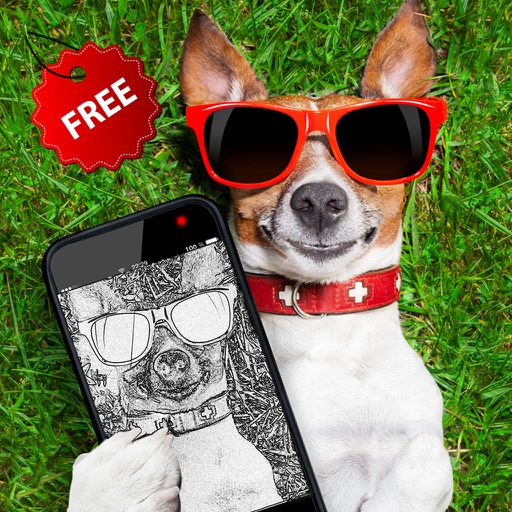
The app allows users to create monochrome images from selected or taken photos. It offers 10 photo filters, cropping, moving, rotating, zooming, and text addition capabilities.