Transfer files between devices by creating shared spaces and uploading files. Access files from any device. Automatically delete spaces and files after transfer to save storage space.
by Alan Yan★ 5.02 ratingsProductivityFreeData updated 2026-09-06
Import audio from various sources. Edit audio with trimming, splitting, and noise reduction. Apply effects like equalization and reverb. Convert files between formats. Adjust volume and bitrate. Export edited audio in multiple formats.
Convert files to PDF with precise formatting. Select files from your device, convert them instantly, and view the resulting PDFs immediately. Share converted files directly or save them for later.
Collect files from email, messages, and cloud services. Drag and drop to organize. Preview, edit, convert formats, and share files directly. Send files to apps, email, or cloud storage without switching between applications.
Open and read documents in DOCX, DOC, RTF, ODT, PDF, HTML, MHTML, MD, and MOBI formats. Convert, merge, and split files. Access a built-in file explorer to manage documents. Requires an internet connection to function.
Extract files, manage archives, organize documents
Import files from storage or media and organize them. Open ZIP, 7z, and RAR archives with preview and selective extraction. Protect and unlock archives with passwords. Create new ZIP or 7z archives with adjustable settings.
Store and access files securely from any device. Share large files directly with others. Edit Office documents offline. Protect shared files with passwords. Upload and sync files across devices.
Transfer photos and videos between iOS devices and Mac or PC via local Wi-Fi. Supports copying files directly without cloud storage. Syncs media across devices for quick access and .
Mobiledo Yazilim Hizmetleri Sanayi Ve Ticaret Limited Sirketi
Scan and delete duplicate files
Scans for duplicate photos, screenshots, and similar images to free up storage. It deletes large video files and blurry images. Users can merge duplicate contacts and remove invalid entries. The helps organize media and optimize memory.
Convert documents to PDF instantly without an internet connection. Transform photos into editable PDFs with OCR technology. Create professional-grade PDFs from images or text files. Save and share PDFs directly from the .
Clean up duplicate and similar photos and videos with simple operations. Organize contact data and compress videos. Securely store private files. Access battery and storage widgets on the desktop.
Lets users save files from Dropbox, Google Drive, and web browsers for offline access. It includes a file manager for saving, organizing, and managing files folder support, renaming, and deletion.
Manage files with a classic browser interface. Navigate folders, copy, move, and delete files. Access recent files and search for documents. Customize views and use standard keyboard shortcuts for common actions.
Manage files across iOS devices with support for DOC, XLS, PPT, JPG, MP3, and MP4 formats. Backup contacts and camera roll. Preview images, play videos and audio. Exchange files between devices and platforms.
Manage emails, messages, and documents in one centralized inbox. Organize tasks, set reminders, and collaborate with team members. Sync data across devices and access files from any location. Share and comment on documents in real time.
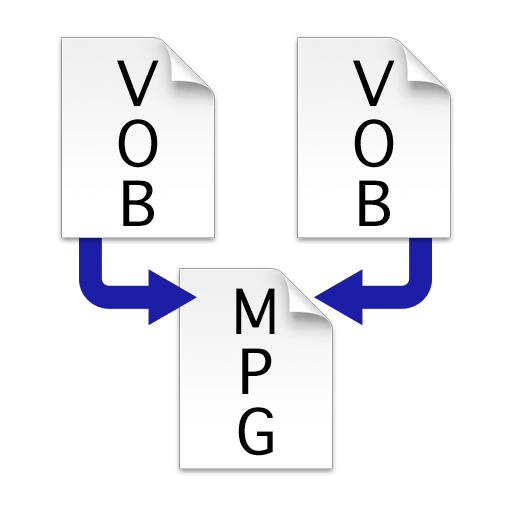
Combine multiple VOB files into a single MPEG file without re-encoding. Merge VIDEO_TS folders to create one large video file. Save and export the merged file for playback or transfer.
Transfer files, text, and links between iOS devices and Windows or Linux PCs. Create an account, install desktop apps, and use the share sheet to send content directly. Sync across devices with an internet connection.
Business "Access and manage marketing content from a central hub. Share files with sales reps securely. View usage analytics and track engagement metrics. Sync content across devices for offline access."