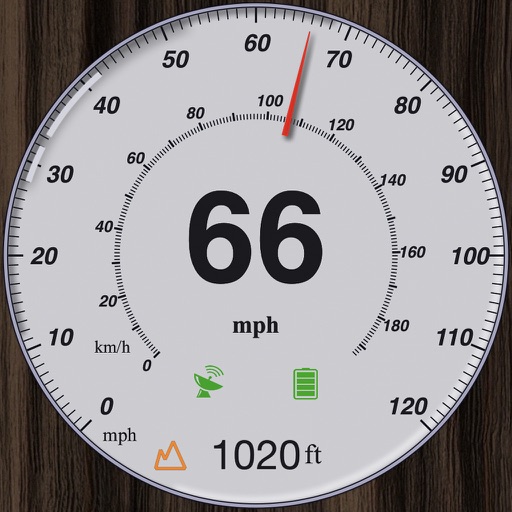
Track speed using GPS with options for mph, km/h, and knots. Display city name and compass if enabled. Show traveled distance and optional average and maximum speed. Choose from multiple interface colors. Record speed during trips.
View real-time GPS maps and switch between map and views by holding the device. Track heading, , altitude, latitude, longitude, speed, and temperature. Use a for accurate navigation and monitor speedometer and temperature readings.
Provides GPS altitude and pressure altitude readings. Displays speed in kph, mph, and knots. Measures barometric pressure in multiple units. Tracks acceleration in G forces. Shows location, magnetic, and true heading.
Track changes using a barometer and set reference pressure and altitude. View real-time altitude and adjust landscapes based on time of day. Use compass for orientation during hiking and outdoor activities. Compare differences between two points.
Navigate to destinations with turn-by-turn directions. Access real-time weather radar for current location. Integrate with CarPlay for in-car navigation. Search for destinations and view updated weather during trips.
Display real-time speed with a digital interface and set speed alerts. Track routes on a built-in map, save trip history, and export tracks in GPX format. Switch between light and dark themes.
Display speed and heading with GPS accuracy. Show location of nearby speed cameras. Change speed units, prevent screen lock, and enable speed camera alerts in settings.
Convert of measurement and currencies. Switch between currencies like USD, EUR, JPY, and GBP. Convert lengths, masses, volumes, speeds, areas, information, pressure, power, time, and temperature.
View METAR and TAF reports for global airports. Access TFRs and NOTAMs for every airport. Receive AIRMETs, SIGMETs, and CWA alerts with worldwide coverage. See 3D runway views and airport diagrams for the U.S. and South Africa.
View data with a display and HUD options. Track trips, record , distance, and duration. Monitor average , top , altitude, and switch between mph and km/h.
Provides real-time schedules for buses and metro lines. Displays routes, arrival times, and delays. Allows users to plan trips and navigate Lima's public transport system. Offers trip alerts and service updates.
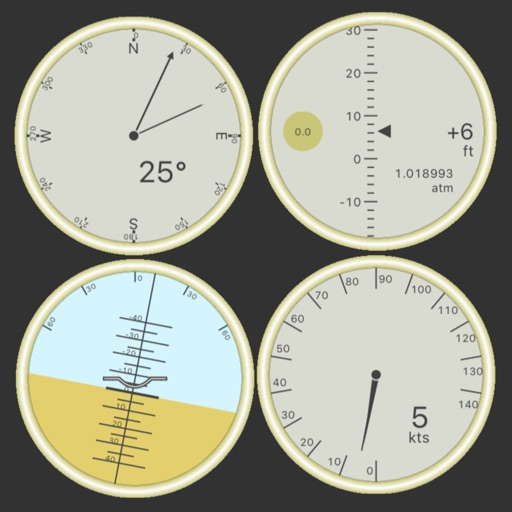
Customize dashboards with configurable gauges like speedometer, odometer, GPS altimeter, barometric altimeter, accelerometer, artificial horizon, compass, and elapsed time. Swipe to switch views and access real-time sensor data from iPhone or iPad.
Create a customized itinerary and book tours and activities with a few taps. Explore must-see landmarks, historical sites, and hidden gems. Browse guided walking tours, day trips, and other experiences.
The app provides a heads-up display for a car, offering GPS-based speed information with MPH and KPH options. It includes digital and standard font modes, 12 and 24-hour clock options, and portrait and landscape orientations.
Track and bus arrivals with real- data from the MTA. View arrival times on home and lock screen widgets. Save favorite stations for quick access. Check service alerts for delays and changes. Compare transfer times between trains.
Find local vendors using location or address input. Filter by price, reviews, or distance. Submit vendors or reviews. Save favorites and update prices after account registration. Vendors can sign up to keep prices current.
GPS measures and displays speed for walking, jogging, cycling, cars, boats, trains, and airplanes. Users can select display units and choose between two scales. Trip recording and average speed tracking are available.