Take photos with real-time beauty filters and effects. Apply makeup and adjust skin tone instantly. Use photo filters to enhance images. Create collages by combining multiple photos. Edit with blur, whiten, and other tools.
Create geometric art by rotating, spinning, and zooming the . Capture and save images or record video loops. Share creations directly or save to device.
Capture 360-degree photos and videos with a connected . Control the remotely to shoot, preview live streams, and download files. Share media via social platforms or view in VR.
Add custom watermarks with text, logos, or graphics. Apply filters to enhance photo tone and texture. Capture photos and videos with adjustable modes for different use cases. Share edited content directly to social media or cloud storage.
Watch stories anonymously and bookmark content for later viewing. Explore posts and highlights without account creation. Access unlimited stories with a subscription. Share content directly from the .
Capture photos with one-touch shutter. Adjust exposure, focus, and white balance manually. Share images directly to social media or save in high-resolution formats. Edit photos with basic tools like cropping and filters.
Apply live filters to enhance photos with effects. Adjust color tones and add vintage textures. Share edited images directly to Instagram. Save and view photos with analog-style filters.
The app provides access to live and recorded video from the Eagle Eye Cloud VMS. Users can monitor multiple cameras, view events on a timeline, and receive push notifications.
View photos in immersive VR using a headset or mobile gyro controls. Explore 360-degree images and videos. Share edited content directly. Adjust settings for optimal display in virtual reality environments.
Access dash cam footage via Wi-Fi. View videos in real time, download or delete recordings. Manage dash cam settings and receive alerts. Compatible with specific Thinkware models and iOS 7.0 or later devices.
Take photos and apply distort, duplicate, or transform effects to create funny face images. Preview live filters before capturing. Create photos, videos, or animated GIFs with the 's effects.
Blur image backgrounds to create effects. Select photos from gallery or capture new images. Apply multiple blurring tools to adjust blur intensity. Export edited photos to device storage.
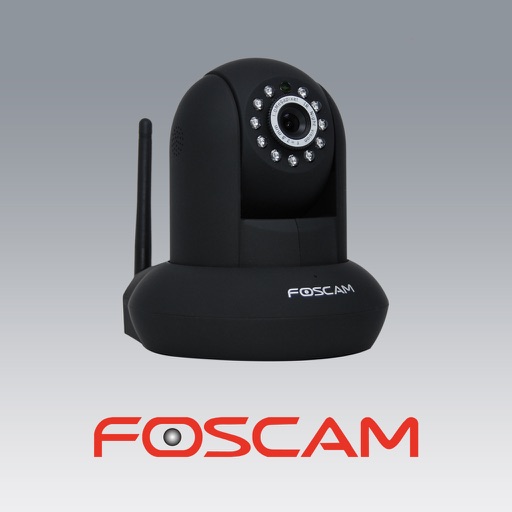
The app allows users to view and control Foscam IP cameras from an iPhone or iPad. Users can watch their home, kids, and pets remotely with a 3G or WiFi connection.
Add a custom iPhone or iPad stamp to photos. Apply popular filters. Receive weekly theme updates. Share photos with #ShotOniPhone. Join the community on Instagram. Submit photos for potential feature in the gallery using #ShotOnCameraForiPhone.