
PIP Camera Magic frame collage
HOANG PHAM
Create collages with frames and effects
Create photo collages with customizable frames and stickers. Add filters and text to pip images. Save or share high-quality photos to social networks.

Showing 121–140 of 1,000 ranked alternatives.
HOANG PHAM
Create collages with frames and effects
Create photo collages with customizable frames and stickers. Add filters and text to pip images. Save or share high-quality photos to social networks.





kazuhiro aonuma
Frames and save instantly
Still images from videos. Save photos instantly with simple controls. Record videos after filming. Share images directly to social media. Adjust photo size easily.


Iftikher Sultan
Take photos advanced controls
Edit photos adjustable temperature, tint, and exposure settings. Use texture blending tools and apply effects. Add stickers opacity and shadow control, and include text 3D effects and multiple fonts. Crop, rotate, and straighten images.


Quantis, Inc.
Edit photos with one-touch filters
Edit photos with one-touch filters for vivid, delicious results. Adjust brightness, contrast, and saturation. Add text overlays and stickers. Share edited images directly to social media or blogs.

pierre gougelet
Convert photos to drawings and share instantly
Turn photos into drawings, cartoons, or sketches with one click. Apply various effects including black strokes, white strokes, pastel, and halftone. Adjust edge strength, opacity, contrast, brightness, and saturation.

Christopher Onuigbo
Merge photos for side-by-side comparisons
Create split-image comparisons by importing existing photos. Arrange images side by side for visual contrasts. Blend photos to form artistic compositions. Track changes in landmarks, plants, fitness progress, and home renovations over time.

MULIAN LI
Edit photos and them directly to Instagram
Edit photos to full size on Instagram . Stretch edge pixels to fill gaps. Choose from blur, mosaic, color, and pattern backgrounds. Take photos directly or import from gallery.

A Stellingwerff & M.L Sun

Warner Bros. Entertainment
Giant robots battle monstrous creatures now.
The app uses augmented reality to place giant robots and monsters into a real-world environment. Users control the robots to battle monsters and can add characters to photos.

Infinity & Co., Incorporated
Browse, edit, and post photos
Browse and organize photos by products and collections. Search for images using the search bar. Crop photos to fit social media requirements. Save images to your device or share directly to social media platforms.
汉辉 刘
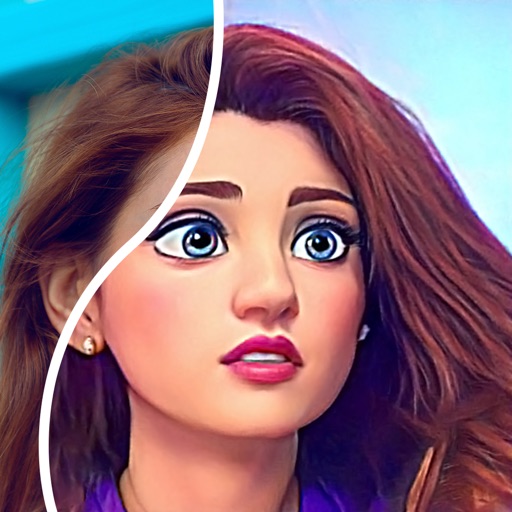
Edit photos into comic style instantly
Convert photos into comic styles using AI algorithms. Edit avatars with retouching tools. Access various comic templates. Apply filters and adjust images for effects. Share edited images directly.

Neilo Inc.
Play kittens and build friendships
Explore a world of cats detailed breeds and unique appearances. Adopt and care for kittens various personalities. Interact other cats, feed them, and play them. Customize your cat's environment and observe their behaviors over time.


Apps are ranked by functional similarity, category fit, rating confidence, and popularity.