Kids practice piano skills through an interactive quest to save Harmonia. Play full songs on a real piano after short sessions. Track progress, complete challenges, and earn rewards. Sync with a real keyboard for hands-on practice.
by Meloquest LLC★ 4.034 ratingsEntertainmentFreeData updated 2026-09-06
The app teaches note recognition and sight-reading skills through a musical game. It features an animated character and adjustable difficulty for players of all ages and skill levels.
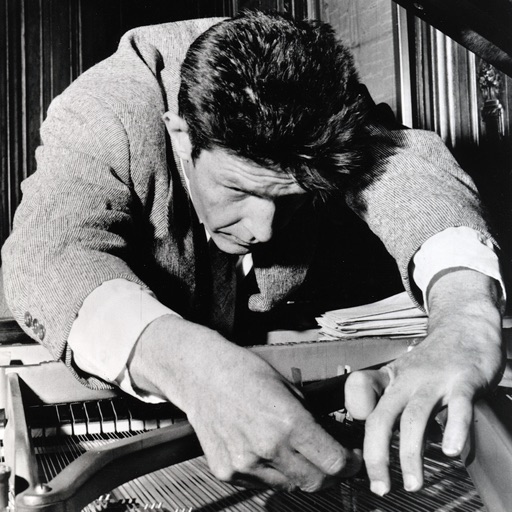
The app allows users to play the sounds of a prepared piano on their iPad. It features meticulously sampled sounds from a piano prepared with materials used by John Cage for his Sonatas and Interludes.
Play a -based ball game by dragging the ball to burst circles in sync with music. Avoid specific colors to score points. Keep up with the beat and complete challenges. Choose from piano, guitar, rock, and EDM tracks.
Play by touching, holding, and dragging to make the jump on . Follow the rhythm of song-based challenges. Avoid missing and do not tap the screen. Track score and progress through levels.
The app provides a music production environment with a piano keyboard and studio-quality instruments. It includes a multi-track sequencer for editing notes and applying effects.
And sight-reading with real instruments like , guitar, or violin. Use note buttons or a virtual keyboard. Receive feedback with smiling kitten animations. View session summaries and adjust settings.
Help children practice elementary skills with focused on addition, subtraction, comparison, and logical thinking. Complete 28 to improve abilities. No ads, in- purchases, or external links.
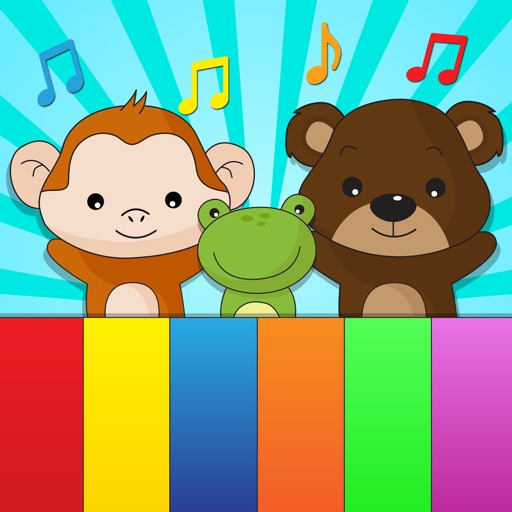
Can play with and tap colorful keys to hear sound effects. Choose between two playing modes. Play favorite songs or listen to nursery rhymes. Full-screen keyboard allows interactive music exploration.
The app allows registered students to access course material, including video and audio lessons, lyrics, and notations. Students can also use OM Riyaaz, submit practice recordings for instructor feedback, and view or submit assessments.
Create and arrange music with chord progression tools, lead sheet display, and notation editing. Generate backing tracks, export songs, and transfer files. Play and record melodies, add lyrics, and print sheet music.
Create and edit musical compositions using a grid-based sequencer. Customize , program notes, and play back sequences on piano and fretboard diagrams. Adjust music theory settings and visualize chord progressions.
Train musical ear with interval, chord, and scale exercises. Practice identifying notes and progress through 32 structured lessons. Track performance and repeat exercises for improvement.
The app allows users to recognize pitches by sight or sound and notate or play them on the piano. It includes a Grade Book for saving and printing results, with options for different clefs and an Ear Training mode.
The app offers an enhanced version of Baby Piano for iPad, designed for early music learning. It features a colorful interface with animated animal characters and multiple music playing modes.