Generate random images using Perlin Noise based on user-defined parameters. Adjust noise settings and color tones. Save generated images to device storage.
by Jackson Tubbs★ 4.813 ratingsDeveloper ToolsFreeData updated 2026-09-24
Generate images using AI technology. Select from various artistic styles. Edit and refine generated artwork. Export images in multiple formats. Share creations directly with social media.
Remove backgrounds from images using automatic or manual tools. Edit photos with removal, erasing, and recovery brushes. Save and share edited images directly.
Edit photos with AI-powered enhancement, restoration, and colorization. Remove unwanted backgrounds and repair scratched images. Save and share edited photos in various formats.
Create moodboards using images and text. Organize design ideas into boards. Generate color charts, shopping lists, and furniture guides. Export presentations and share directly. Sync across devices for seamless access.
Create art with 10 brushes. Adjust brush size and color randomly. Import photos to doodle on. Add drawings to family images for customization. Save and share completed artwork.
Lets users adjust brightness and contrast to analyze tones in images. They can isolate light and dark areas to study shadows and highlights. Export grayscale versions for use in drawing or painting practice.
Generate images and videos in various artistic styles, including emotions and art movements. Visualize personal goals through interactive Wish Map features. Create custom comic books with sequential panels.
Edit photos with age filters to visualize appearances. Adjust facial features and skin texture for realistic previews. Save and share edited images directly.
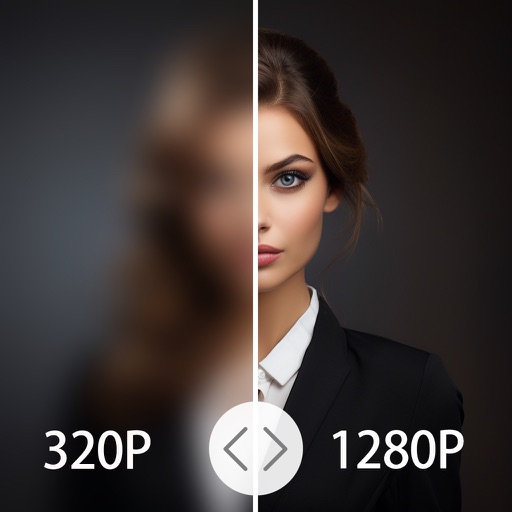
4x enhances image resolution by 200%, 400%, or 800%. It restores low-resolution faces using Face AI technology. It preserves details while enlarging images. Users can upload photos and apply restoration features.
Create visual content using AI-generated art. Upload photos to animate them with live effects. Customize styles and colors. Export and share finished artwork directly.
Create art by inputting prompts and selecting image sizes. Generate visuals using AI technology. Edit and refine generated images. Export artwork in various formats. Share creations directly from the .
Replace faces in photos using AI technology. single or multiple faces with others from the gallery or templates. Edit and enhance images with filters and effects. Share modified photos directly.
Edit images to remove backgrounds and create transparent images. Use zoom for precise edits. Cut out objects and save as stickers. Export for use in presentations, documents, and image editors.
Create AI-generated videos and images using advanced AI tools. Type descriptions to generate cinematic videos or product visuals. Edit content, adjust settings, and export final outputs directly.
Add and choose from over 80 fonts to customize appearance. Adjust typography style and layout. Share edited images to social media or save to library. Create -based posters with or without background images.
Create images from text using AI technology. Generate high-quality visuals based on written descriptions. Edit and refine generated images within the . Export images in various formats for use in projects or sharing.
Convert text into visual artwork using AI-generated images. Edit and refine designs with customizable styles and color palettes. Export creations in various formats and share directly.
Edit photos using Powerful Fill, which generates realistic content based on text prompts in 419 languages. Add hidden messages to images. Export edited photos in various formats. Share directly from the .