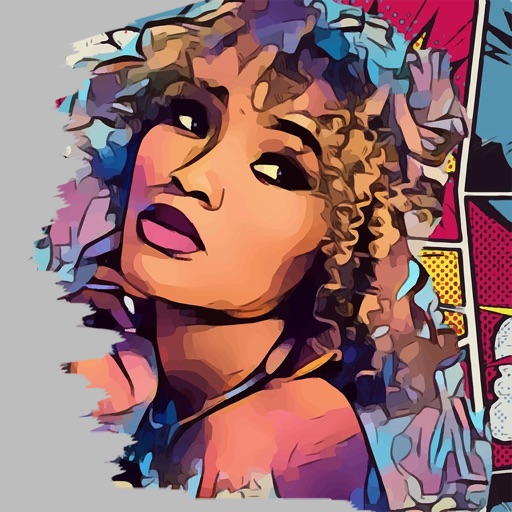
Generate random images using Perlin Noise based on user-defined parameters. Adjust noise settings and color tones. Save generated images to device storage.
by Jackson Tubbs★ 4.813 ratingsDeveloper ToolsFreeData updated 2026-09-24
Create Instagram carousels using AI-generated designs and customizable templates. Add text, images, and branding elements. Export directly to Instagram and adjust layouts for different screen sizes.
Create professional preview images for apps. Add device mocks, images, text, and frames. Use drag-and-drop interface with real-time preview and alignment guides. Customize canvas size and device frame settings. Export as PNG or JPEG.
Create and edit 4K using AI-powered tools. Generate new from prompts or enhance existing images. Access Live and Spatial for iOS 26 and later. Add motion and depth that respond to gestures and light.
The app allows users to encode images into base64. It supports drag and drop or browsing to select images, with options for format, resizing, and previewing.
Edit images with advanced tools including layers, masks, and filters. Adjust colors, brightness, and contrast. Create and edit illustrations, digital paintings, and designs. Export in various formats and share directly.
Browse and download high-quality images and wallpapers
Browse and download high-resolution photos and wallpapers from Unsplash. Search using built-in keywords. Access daily updated "Highlights" collection. Use images for commercial purposes. Share photos directly.
Screenshots using AI to detect edges, frames, and text lines. Add uniform padding and rounded corners. Zoom for detailed editing. Choose from multiple aspect ratios. Batch images with identical resolution.
Generate professional-quality headshots and avatars from selfies using AI. Edit photos with advanced filters and retouching tools. Export in multiple formats and share directly. Create cinematic visuals and AI-generated content instantly.
Create AI-generated avatars of yourself using predefined styles like Polaroid, Professional Headshot, Oil Painting, Anime, and more. Generate images with Google Gemini API. Edit and download generated images.
Write thoughts and organize them with color-coded categories. Visualize ideas with random shapes and colors. Track mood trends over time. Reflect on past entries using a timeline. Export thoughts as images or text.
Edit with AI enhancement, sharpening, and noise reduction. Remove blur and restore old images. Preview enhanced results and save high-resolution versions. Purchase credits to unlock full-resolution edits.
Create photo collages by selecting and arranging images. Adjust layout, colors, and borders. Export collages in various formats and share via email or social media. Import photos from devices or cloud storage.
Create original icons using text . Choose from 6 art styles including Anime and Cyberpunk. Adjust mood settings like Bright or Mysterious. Customize backgrounds with white, pastel gradients, or transparency. Automatically apply pixel art style.
Convert photos into -style artwork using AI technology. Adjust style settings and apply filters. Save or share the edited images. Create avatars from photos. Export in various image formats.