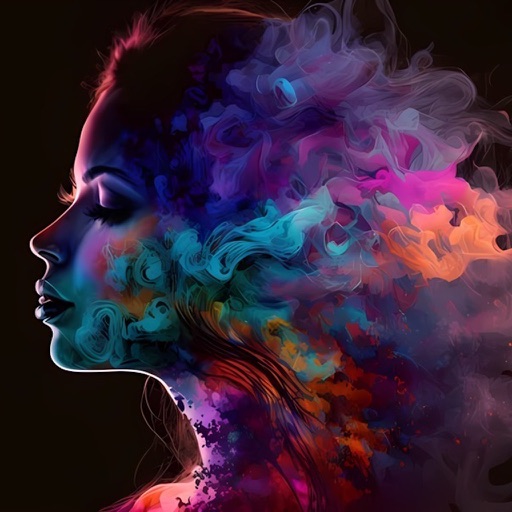
Generate random images using Perlin Noise based on user-defined parameters. Adjust noise settings and color tones. Save generated images to device storage.
by Jackson Tubbs★ 4.813 ratingsDeveloper ToolsFreeData updated 2026-09-24
Edit photos by describing desired changes, additions, or removals. Remove objects or people seamlessly. Enhance lighting and mood with cinematic, dramatic, soft, or warm settings. Adjust colors and apply filters. Save or share the final edited image.
Analyze facial features using golden ratio, face shape, and emotion detection. Calculate beauty score based on makeup, hair color, and skin tone. Determine attractiveness through facial scanning and provide beauty assessment results.
Generate cohesive designs from text prompts, including key visuals, banners, and cover art. Maintain consistent style across outputs. Combine image, video, and 3D tools in one platform. Export files for various uses.
Create original artwork, avatars, and posters using text prompts and multiple styles. Generate AI videos from photos with instant editing tools. Design emojis and portraits with customizable options.
Generate personalized letters using AI based on user input. Input job details and resume information to receive customized content. Edit and refine suggestions directly within the . Save and share completed letters via email or cloud storage.
Create social media content by converting to reels. Add from device or cloud storage. Apply filters and crop images. Trim audio and adjust fade effects. Save final edits to photo library.
Scan documents, notes, photos, receipts, and books into PDF or JPEG files. Use OCR to convert images into text. Export scanned files and share them directly. Batch scan multiple items at once.
.media allows users to and enhance images using AI. Users can adjust image resolution up to 4x. The automatically enhances images and provides options for manual adjustments. Results are exported directly within the .
Create art and cross-stitch patterns with palette selection and gridline toggle. Use eraser, drag or tap to draw, and long press to fill. Trace images and export as files. Supports cross-platform creation.
Convert English text to with customizable styles. Learn proper pen order and positioning for each letter. Save practice sessions and share images directly.
Generate images and videos from text input using AI. Create artwork based on descriptions. Edit generated content with basic tools. Export images in various formats. Share creations directly.
Create AI-generated avatars from selfies. Customize appearance, expressions, and styles. Share avatars on social media. Adjust lighting and background. Save and edit multiple versions.
Enhance clarity with AI-based unblurring. Adjust sharpness, brightness, and contrast. Remove noise and artifacts. Export enhanced images in various formats. Share directly or save to device.
Create and save high-quality 2048x2048 images using AI. Select from hundreds of art styles and artists to generate unique artwork. Use random prompts to design text inputs for image generation.
Convert photos into painting styles using over 50 filters inspired by famous artworks. Generate custom filters with AI based on user-provided images. Apply effects like vibrant colors and delicate textures.
Create rounded images from photos or gallery selections. Adjust borders and colors for polished results. Save and share rounded images for social media platforms including Instagram, Facebook, YouTube, TikTok, X, WhatsApp, Snapchat, and Pinterest.
Restore and enhance images with one-tap clarity, sharpening faces and boosting up to 4x resolution. Apply vintage restoration and colorisation. Use creative filters and editing tools to restyle photos for social media and professional use.
Create and edit artwork using AI-powered image generation. Choose between on-device or cloud processing. Generate high-resolution images up to 2048×2048. Edit and refine digital art directly on iOS devices. Save and share finished projects.