The app provides realistic autoharp sounds with adjustable effects like chorus, delay, and reverb. It functions as a MIDI controller, sending note-on commands with velocity values based on strumming speed.
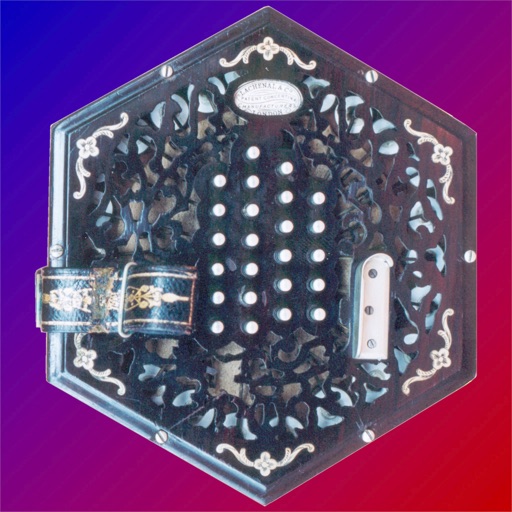
Controller for iPad with button accordion layout. Connects to CoreMIDI compatible synthesizers. Sends data to software instruments. Controls virtual instruments like Roland Sound Canvas and SampleTank.
Play piano using a grid-based key layout. Select MIDI voices and adjust scales. Enable sticky keys for practice. Adjust note duration and velocity. Save and load custom configurations.
Play using physical modeling technology that generates real-time sound based on user input. Adjust bow pressure, position, and velocity for expressive performance. Use the Room Simulator "Ambiente" to create immersive acoustic environments.
Manipulate messages within a DAW's effects chain using 8 audio units. Create custom routings and effects. Load in compatible hosts like BeatMaker 3 or Cubasis 2. Transmit and receive data between units. Adjust parameters in real time.
Create and customize synths with wave shape modulation and AUV3 support. Adjust envelopes, apply reverb and tremolo effects. Use a polyphonic keyboard with 5 octaves range. Connect MIDI keyboards via USB for velocity and pitch shift.
Control MIDI synthesizers and virtual instruments via CoreMIDI interfaces. Adjust transpose settings in semitone increments. Connect to hardware or software VST-style instruments. Manage MIDI input and output settings.