Apps Like Artleap by Lightricks for iPhone and iPad
Edit photos, create art, share results
Create surreal or funky art with one-tap effects like double exposure and fragmenting dispersion. Edit photos with intuitive tools, apply artistic filters, and adjust colors. Save and share edited images directly.
by Lightricks Ltd.★ 4.719,369 ratingsPhoto & VideoFreeData updated 2026-09-23
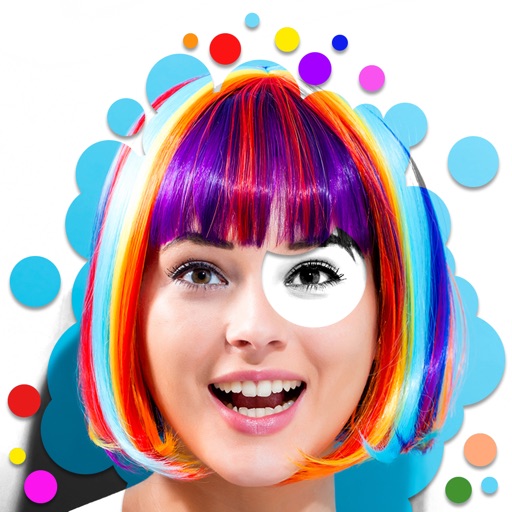
Edit by blending images from the gallery or combining them with existing templates. Adjust exposure and color to create double exposure effects. Save and share the final edited image.
Edit photos with crop, rotate, exposure, color, sharpness, and resize tools. Create grid collages and edit individual images. Access presets, clone tool, and fine curve adjustments for detailed edits. Export and share edited photos directly.
Convert static images into dynamic videos using generative AI. Add text to images for visual storytelling. Apply trending AI presets to enhance creativity. Edit and export videos directly from the .
Calculate exposure with a light meter and exposure calculator. Use a depth of field calculator to adjust focus settings. Access a sun calculator for shooting conditions. View all metrics on an intuitive interface.
Generate AI art from text prompts using Stable Diffusion technology. Create and edit images, emojis, and videos. Download and share artwork directly. Convert ideas into visual masterpieces with advanced AI tools.
Create collages by combining multiple photos using drag-and-drop layout tools. Edit individual images with cropping, filters, and brightness adjustments. Add text, stickers, and frames to enhance visuals.
Upload images to generate artistic visuals. Choose from cartoon, anime, or stylized portrait styles. Edit generated art with filters and adjustments. Share finished artwork directly.
Convert selfies into AI-generated art, cartoon portraits, and headshots. Create stylized posters, anime avatars, and 3D toy versions. Edit and refine generated images. Export and share final artwork.
Convert photos into pencil sketches and artistic drawings using advanced drawing tools. Apply watercolor effects and customize filters. Save and share edited images in various formats.
Edit photos with 400+ artistic filters and effects. Apply oil painting, graffiti, sketch, and pop art styles. Adjust colors and textures. Save and share edited images directly.
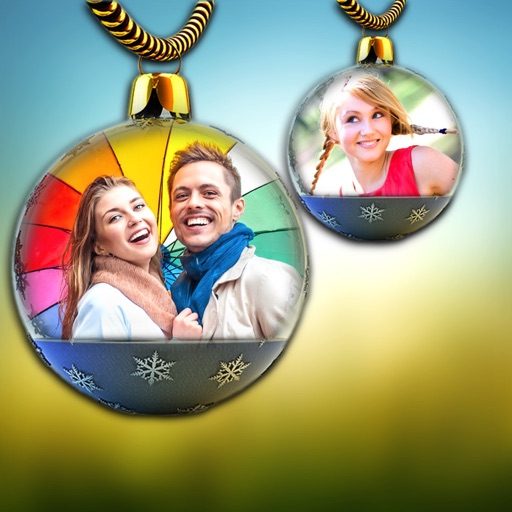
Create collages by arranging photos in various layouts and adjusting their position, angle, and size. Apply unique filters and choose from rich typography styles and text stickers.
Adjust exposure settings with precision, including extended sensitivity and independent calibration. Measure incident and reflected light. Save exposure data. Connect with f/Tools. Choose between two interface designs.
Apply to photos and videos in real time. Edit existing media from the camera roll. Organize into categories for quick access. Share edited content directly to social media. Adjust brightness, contrast, and color settings.