Edit and customize saxophone tones, synthesizer sounds, and shakuhachi voices. Adjust effects and modify sound parameters visually. Set detailed instrument settings not available on the device itself.
by Yamaha Corporation★ 4.7126 ratingsMusicFreeData updated 2026-09-06
Use the speaker removal feature to play specific sounds that help eliminate the speaker. Create custom tones with the frequency generator. Measure sound levels in decibels and detect dominant frequencies using the built-in meter.
Create and manipulate sound using 2 oscillators, a low-pass filter, and a delay effect. Adjust parameters with knobs or double-tap for fine-tuning. Supports Audio Unit v3, Audiobus, and Inter- Audio. No envelope generator included.
Play a musical instrument with bowing and plucking features. Adjust string tuning and volume. Access sheet music and practice modes. Record performances and share files. Track progress and receive feedback.
Check note positions and fingering for trombone, euphonium, trumpet, tuba, and french horn. Transpose music for other instruments. Identify note names based on sound or visual representation.
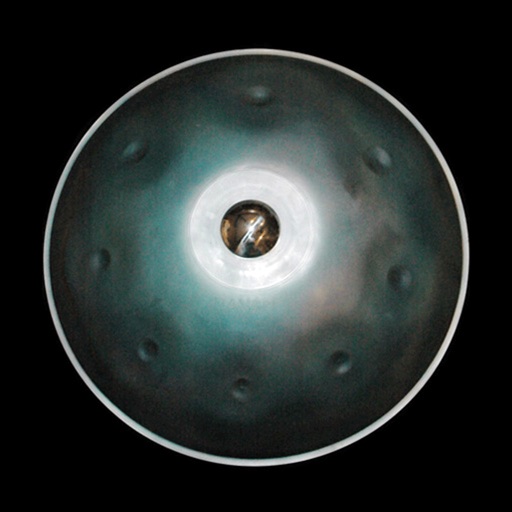
Play melodies by tapping the instrument's surface. Adjust tone and volume with touch controls. Access preloaded sound samples and custom presets. Record performances and share files directly. Learn playing techniques through guided tutorials.
Create and customize music with 3 synthesizers and 1 drum machine. Loop, modify, and erase instrument sounds. nimated visuals that respond to music. Adjust animation styles and interact with visuals in real time.
Create and edit sheet using a virtual piano keyboard. Export and import MusicXML files for compatibility with other software. Compose simple piano pieces or complex symphonies. View and adjust musical scores with a user-friendly interface.