Edit and customize saxophone tones, synthesizer sounds, and shakuhachi voices. Adjust effects and modify sound parameters visually. Set detailed instrument settings not available on the device itself.
by Yamaha Corporation★ 4.7126 ratingsMusicFreeData updated 2026-09-06
Create and manipulate music using ribbon-like controls for pitch and modulation. Play melodies and chords with expressive gestures. Adjust synthesis parameters in real time. Export audio files and share directly.
Record and edit up to 16 tracks of looped audio. Adjust track settings, use sound-on-sound and overwrite modes. Supports Inter Audio and AudioBus for virtual instrument integration. Customize loops and perform live recordings.
Turn your iPhone into a percussion instrument by shaking it. Choose from four sounds: Egg, , Tambourine, and Bells. Swipe to switch instruments. The uses a gyroscope to map movement and adjust audio based on shaking intensity.
Play the koto with realistic string vibrations and touch-based controls. Access practice mode with guided exercises and feedback. Listen to koto songs with synchronized Japanese landscape visuals.
Create drum sounds and synthesize vocals using a 24-part sound engine. Use a pattern sequencer to arrange beats. Apply effects including a Phrase Vocoder that converts text to vocal-like sounds. Adjust vocal characteristics such as gender.
Create and customize beats using additive waveform synthesis. Adjust frequency and amplitude of individual overtones. Explore alternate musical scales and generate precise tones. Save and export custom sound configurations.
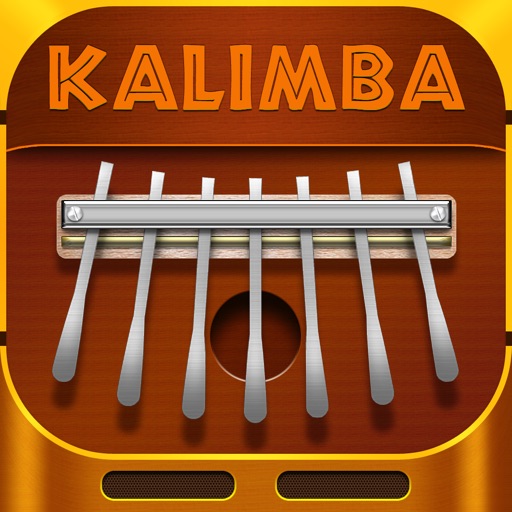
Play melodies on a virtual Kalimba with 7 prongs. Press or strum multiple prongs simultaneously. Change tuning between C Major and G Major. Export recordings and share directly.
Simulate the ANS synthesizer by drawing spectrograms to create music. Adjust parameters like pitch, amplitude, and envelope. Play back compositions and export audio files. Learn about the history and unique capabilities of the ANS instrument.
Play and record music using a virtual instrument with adjustable tuning and bowing techniques. Practice scales and exercises. Access sheet music and performance guides. Sync with music software for playback and recording.
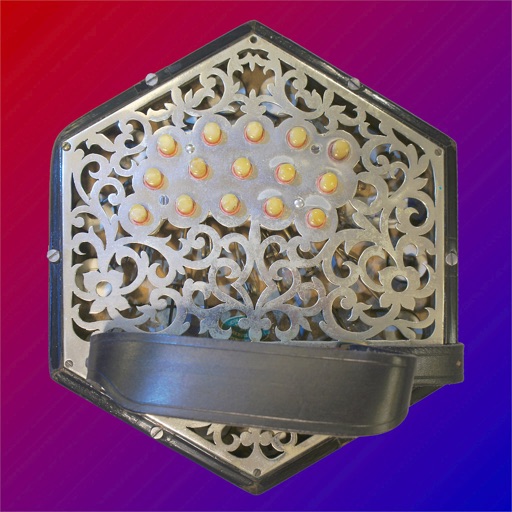
The app provides an authentic sounding virtual Anglo Concertina in the key of C/G. It is bisonoric, meaning it plays a different note for each button depending on bellows direction.
Explore chord diagrams for all music instruments. Select a key, chord type, and addition to view possible chord variations. Adjust settings to customize display options. Save and share chord progressions.
Play sounds with on-screen keys. Learn number and letter sounds through interactive games. Explore musical notes and basic rhythms. Share progress with parents via in- notifications. Sync with smart devices for remote control.
Access ukulele with detailed fingering and audio examples. Search for via built-in tools or Spotlight. View multiple chord positions and learn suggested finger placements.
The app offers a chromatic tuner, metronome, and tone generator for musical practice. It provides precise tuning, customizable metronome settings, and various tone generation options for all instruments.