Create and manage flash card decks using markdown files. Edit cards in any text editor with live previews. Track progress with a commitment calendar and grade summary. Use an AI scheduler to optimize review intervals.
by United Lambdas★ 0.00 ratingsEducationFreeData updated 2026-09-06
Take in lectures, stories, articles, journals, and theses. Highlight text in ebooks and PDFs. Fill out PDF forms. Organize and share . Sync across devices. Collaborate on documents in real time. Manage tasks and deadlines. Export in multiple formats.
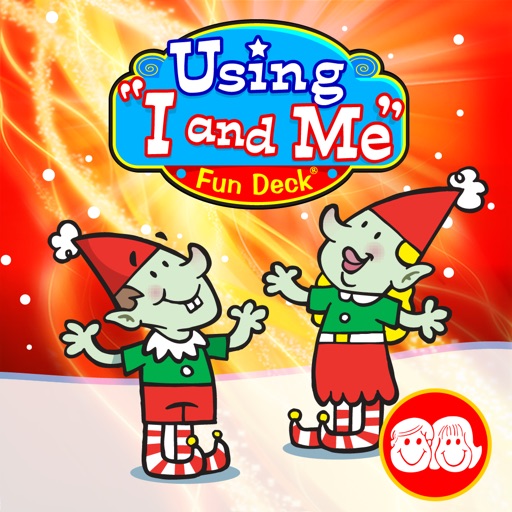
Practice personal pronouns "I" and "me" illustrated flash cards and audio prompts. Students fill in blanks to complete sentences. Select cards for customization. Automatic scoring provides instant feedback.
Learn letters, numbers, shapes, colors, toys, animals, fruits, and vegetables through interactive . Explore 10 educational categories with 220 flash cards. Engage with three types of activities to reinforce recognition and memory.
Create with an easy-to-use editor. Auto-generate from PDFs and images using AI. Study with intelligent modes focusing on incorrect . Browse searchable . Track progress with statistics. Support dark mode. Import and export CSV files and archives.
Learn techniques with instructional videos, diagrams, and flashcards. Access audio recordings and documents for pre-jump preparation. Review procedures for dropzone arrival and group jumps. Track progress through interactive content.
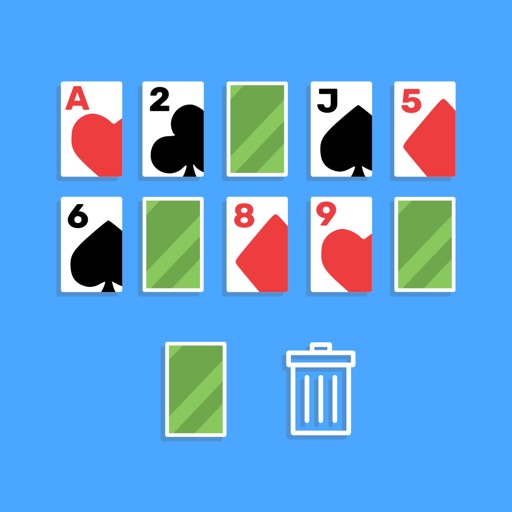
Play a by selecting cards from a deck or pile and flipping all 10 of your cards over before the computer. Choose from three modes. Teach counting skills to kids and offer competitive global leader boards for adults.
Write mathematical expressions using inline LaTeX. Edit and format equations directly within the document. Preview rendered equations in real-time. Export documents in Markdown or PDF format.
Manage documents across devices with synchronization between Mac, iPad, and iPhone. Browse PDFs, notes, images, and files organized into databases. Edit, annotate, and automate tasks using Shortcuts. Securely store and access files privately.
AI writing helps users brainstorm, draft, rewrite, and edit content. Generate essays, research papers, resumes, and blog posts. Offers real-time suggestions and grammar checks. Syncs across devices and integrates with cloud storage.
Create flashcard decks for learning vocabulary or memorizing historical dates. Review cards using active recall technique. Sync decks across devices. Export cards as PDF or image. Track progress and set review schedules.
Play card game with 3 computer opponents. Match numbers, letters, or colors. Play 8 card to change color. Use Mau Mau rules with Lose a Turn, Take a Card, and Switchback cards.
Practice Japanese kana with customizable flashcards for , , voiced sounds, and combined characters. Review cards with audio pronunciation. Track progress and adjust difficulty as needed.
Learn through and active recall techniques to improve memory retention. Import study materials from Notion, Obsidian, Markdown, Evernote, Logseq, CSV, Roam Research, or OneNote. Create local flashcards. Review cards based on performance and timing.
Write and run code with daily credits, import files, open Playground files, and share code or text. Generate code snapshots in PNG, JPEG, HEIC, or PDF formats.
On any topic, import from CSV files, build unlimited decks, and study offline without an account. Share decks, customize appearance, and review cards with built-in quizzes.