Access and control your home camera network securely through a single interface. View live feeds, navigate camera layouts, and manage camera settings remotely. Connect to a running instance via a secure session-based protocol.
The app connects to network-connectable devices released since 2012. It allows users to control compatible LG devices, including Blu-ray players and sound bars, by downloading specific remote control applications after automatic device searching.
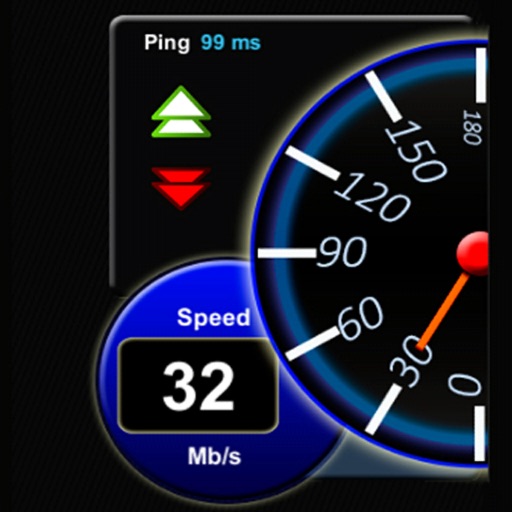
The app measures Wi-Fi and mobile internet speed, including download, upload, and ping. It helps identify and improve Wi-Fi connection issues by comparing actual speed to the router's maximum.
Control and manage home Wi-Fi network settings. Reset primary SSID or password. Run bandwidth tests to monitor performance. View connected devices and assign to profiles. Monitor network usage and security status.
The app provides full emulation of the HP50g calculator with its original skin. Users can save and load calculator states, transfer files, and copy/paste results.