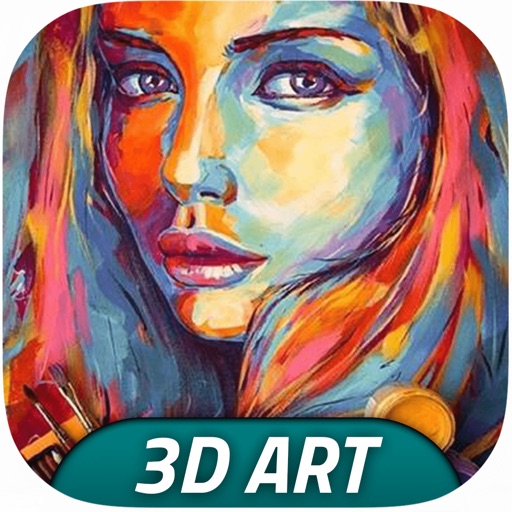
Save and share high-definition fan art . Download optimized images for iPhone and iPad. Access via photo gallery. Share through Facebook, Twitter, and Google+. Requires internet connection for use.
Create pixel art with automatic double pixel removal for precise line art. Use round, square, and matrix dither brushes. Draw lines locked to isometric angles. Create rectangles and ellipses. Manage layers for animated projects.
Transform photos into paintings using 120 unique painter styles. Apply oil , cartoon, pencil sketch, and pop art filters. Edit and share the final artwork directly.
Turn photos into drawings, cartoons, or sketches with one click. Apply various effects including black strokes, white strokes, pastel, and halftone. Adjust edge strength, opacity, contrast, brightness, and saturation.
Capture photos with facial tracking for fun . Use four filters and eight face animations. Create 4-up photo strips in 2x2 or 4x1 layouts. Switch between front and back cameras. Add geo tags to photos.
Edit photos with filters, effects, and AI tools to remove or blur backgrounds. Add stickers, text, and frames. Apply glitch, neon, and drip effects. Adjust colors and crop images. Export and share edited photos directly.
The app allows users to create pixel art using four different shapes: squares, circles, diamonds, and triangles. Users can export their designs as high-resolution PNG files.