Customize appearance with color, , and background options. Select from gallery or take a photo for background. Choose key shapes and styles. Add sound effects and personalize layout.
Create custom fonts by drawing letters with handwriting. Choose animation colors and brush settings. Support multiple languages. Switch styles and themes. Use fonts in messaging apps like WhatsApp and iMessage.
The app allows users to edit photos, create word art, and design posts with original fonts. Users can access additional features by opening projects in Rhonna Designs Magic and Rhonna Collage.
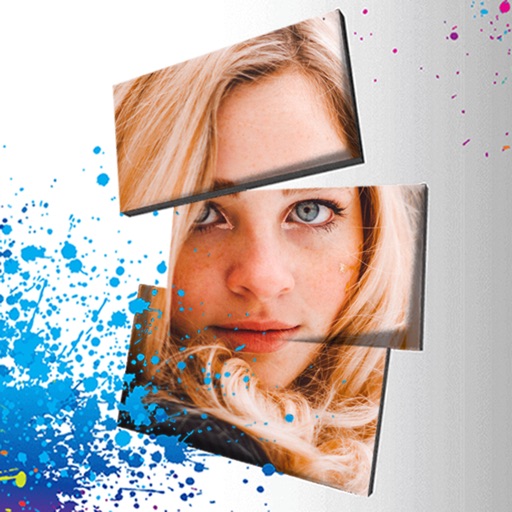
Edit photos with 3D and color effects to create立体 art. Apply special effects to enhance images. Save and share edited photos directly. Use fun and intuitive editing tools for creative customization.
Create custom labels with editable templates or from scratch. Add text, images, and graphics. Adjust font styles, colors, and layouts. Export labels as PDF or image files. Share labels via email or social media.
Edit text with customizable fonts, shadows, and gradient colors. Apply one-click filters for professional photo look. Adjust lighting, sharpness, and detail clarity. Access design templates for weddings, cards, and frames.
The app enables users to design patterns and generate typefaces from them. Users can select weights, draw patterns, preview letters, and share or save designs.
The app converts typed text into handwritten styles for emails and MMS messages. Users can select from various handwritten and calligraphy styles, change text color and size, and choose background patterns or colors.
The app allows users to add handwritten-style text to photos. Users can select fonts, colors, and adjust text properties to create custom images for various purposes.
Create and customize branding materials with drag-and-drop tools. Access a library of over 1 million customizable designs. Use 200+ fonts across 9 families. Export in multiple formats. Share designs directly from the .