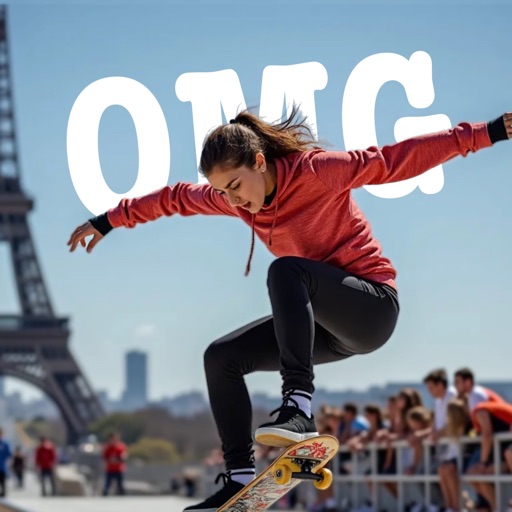
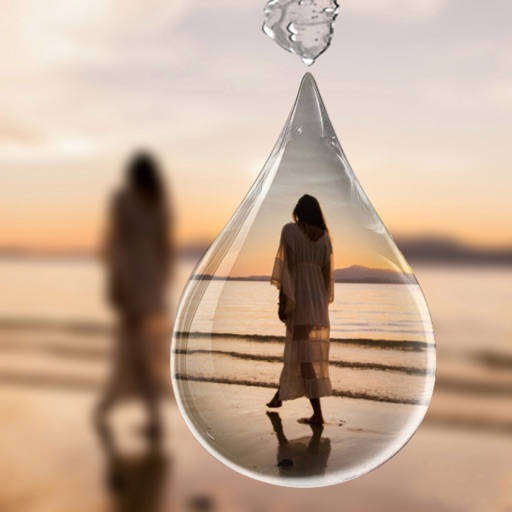
Remove backgrounds from photos using deep neural networks. Cut out people or objects and paste them into new images. Swap backgrounds and save edited images in various formats.
by Maxim Gapchenko★ 4.61,152 ratingsPhoto & VideoFreeData updated 2026-09-23
Count up or down with multiple counters. Customize background colors and set favorite images as backgrounds. the count. Pro version includes subscription-based auto-renewal options.
Create professional-quality designs using customizable templates. Add vivid colors, fonts, and effects. Import premium stock media. Use AI to generate images. Export designs for e-commerce and purposes.
AI-powered placement allows users to embed objects in photos. Customize fonts, sizes, and colors. Adjust position and depth for professional-looking depth effects. Export edited images directly.
Remove backgrounds from images and create transparent or colorful alternatives. Edit colors, apply filters, add borders, and include text. Save edited photos as high-quality PNG or JPEG files.
Using AI to create depth in photos. Upload images from the camera roll. Select or mode. Apply customizable effects including default, radius, motion, zoom, box, surface, and bokeh. Adjust settings for precise results. Export edited photos directly.
Select photos from gallery or photo library. Choose from numerous PIP frames. Use single image for both foreground and background or different images for each. Edit foreground and background separately. Apply photo filters.
Remove duplicate images and similar photos automatically. Select and keep the picture manually. Clean up duplicate videos. Delete files only with user permission. Organize and manage media files efficiently.
Faces between two photos by selecting them from the camera roll or camera. Process the and share the result. Use editing tools to crop, add images or text, draw, scale, rotate, and delete objects. Apply animations and customize colors.
Edit photos with AI-powered removal and background erasure. Adjust colors, brightness, and contrast. Add text and stickers. Export in various formats and share directly.
Set from and manga. Choose high-quality HD backgrounds. Update daily with new . Customize wallpaper settings. Apply animated backgrounds to home screen. Share favorite .
Create and manage events with color-coded categories and customizable date backgrounds. Add, edit, and delete events using intuitive gestures like double-tap and drag-and-drop.
The app allows users to cut and paste parts of photos, including faces, onto different backgrounds. It offers various effects such as lomo, old style, and sketch, enabling the creation of new or humorous images.
Remove background and retain clear vocals using AI vocal extraction. Eliminate wind, music, and traffic sounds. Trim audio or video clips directly. Enhance stereo sound for a more natural listening experience.
Edit photos by removing and replacing backgrounds using AI-powered tools. Cut out people or objects with precise edges. Add custom backgrounds, blur backgrounds, or erase unwanted areas. Save edited images in various formats.