Restore old photos with AI-powered tools to remove blur, noise, and colorize black-and-white images. Adjust clarity, contrast, and brightness. Export edited photos in various formats and share directly.
by 彦忠 范★ 4.812 ratingsUtilitiesFreeData updated 2026-09-23
Scroll through screenshots to create continuous pages. Merge images by removing overlaps. Adjust brightness, contrast, and color. Add text, arrows, and highlights. Apply filters and export edited images.
Reduce background in audio and video recordings. Remove traffic, wind, hums, and other distractions. Adjust suppression levels manually. Export edited files in various formats.
Edit photos with neon, shadow, and synthetic effects. Adjust brightness, contrast, and color. Add text, stickers, and transparency. Apply blur, cartoon processing, and halftone patterns. Invert colors and use copy-paste tools.
Remove backgrounds from photos using AI-powered automatic detection. Manually adjust removal for precision. Use the lasso tool to select and remove specific areas. Export edited images in various formats.
Add a -themed frame to images. Choose from over 30 designs. Edit photos with cropping and filters. Save and share edited photos. Apply to both new and existing photos. Adjust brightness and contrast. Export photos in various formats.
Create videos from photos with AI-powered animation. Choose from various styles to animate images or text. Add effects and transitions. Export and share finished videos directly.
Edit photos using filters to mimic the look of film taken in . Adjust brightness, contrast, and color balance. Add borders and vintage effects. Share edited photos directly to social media.
Add girls to photos using preloaded images. Select and position girl photos over existing images. Adjust size and transparency. Save and share edited photos directly.
Create professional photos with AI-powered tools. Edit images with magic background eraser and generate contextual or white background images. Design shoots with built-in features and AI editing capabilities.
Edit photos with paint and drawing tools, blemish removal, and image enhancement features. Add text and stickers. Export and share edited images directly.
Edit photos with filters, collages, and stamps. Add text and stickers. Save to albums. Share directly to blogs and social media. Apply toy camera effects. Adjust brightness and contrast. Crop and resize images.
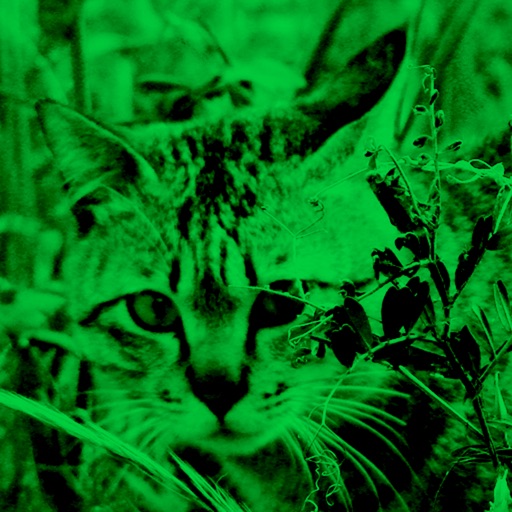
Enhance low-light photos with increased light intake and 8x zoom. Apply thermal imaging, green mode, and binoculars effects. Adjust brightness and contrast for clearer images in dark conditions. Share edited photos directly.
Create images using AI-driven generation. Choose from various artistic styles. Adjust details and colors. Export in multiple formats. Share directly or save for later use.
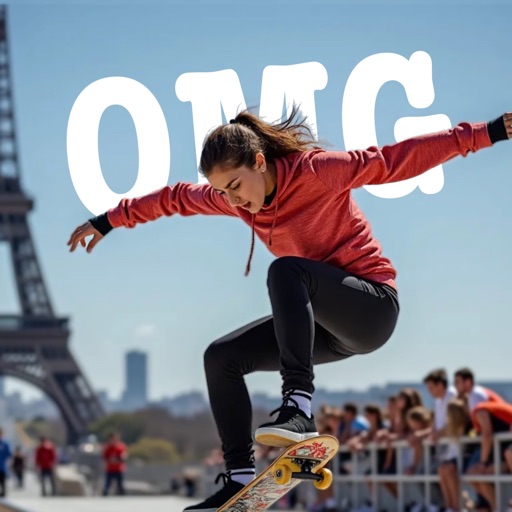
AI-powered placement allows users to embed objects in photos. Customize fonts, sizes, and colors. Adjust position and depth for professional-looking depth effects. Export edited images directly.
Highlight text, images, or diagrams in photos or screenshots. Add annotations, arrows, and callouts. Adjust transparency and brightness. Share edited content directly or save for later.
Photo backgrounds using AI-powered object recognition and automatic cutting. Edit images to create transparent backgrounds. Erase objects or elements with realistic results. Save and share edited images directly.