Restore old photos with AI-powered tools to remove blur, noise, and colorize black-and-white images. Adjust clarity, contrast, and brightness. Export edited photos in various formats and share directly.
by 彦忠 范★ 4.812 ratingsUtilitiesFreeData updated 2026-09-23
Black and white with one tap. Adjust colors, enhance brightness, and fine-tune contrast. Save and share edited images directly. Includes tools for image enhancement and color correction.
Create and edit images using AI-generated art from text descriptions. Remove objects, change backgrounds, or restyle images with AI-powered tools. Export and share edited photos in various formats.
Edit audio tracks using AI- tools to remove vocals or . Adjust volume, trim clips, and apply effects. Export in various formats and share directly. Sync with devices for seamless editing.
Remove unwanted elements from photos using AI and image processing. Delete people, pimples, buildings, or any objects. Edit and save modified images without ads. Share edited photos directly.
Edit videos with AI-powered enhancements like upscaling, noise reduction, motion blur, and frame rate adjustment. Create slideshows from photos, add music, and generate memes. Boost quality and export in various formats.
Enhance low-quality photos with AI-powered upscaling and detail refinement. Adjust brightness, contrast, and color. Apply cartoon effects and convert portraits to HD selfies. Save and share improved images directly.
Edit photos using filters designed to mimic the look of film taken in . Adjust brightness, contrast, and color tones. Save and share edited images directly.
Remove backgrounds from images using automatic or manual tools. Edit photos with removal, erasing, and recovery brushes. Save and share edited images directly.
Remove people from photos using AI-powered editing. Select and erase unwanted individuals or backgrounds. Adjust and refine the result for natural appearances. Save and share edited images directly.
Edit photos with cropping, filters, and color adjustments. Add text, stickers, and effects. Save and share edited images directly. Import photos from device storage. Adjust brightness, contrast, and saturation. Export in various image formats.
Uses AI to enhance blurry photos. Users can restore out-of-focus images with machine learning algorithms. One-tap processing allows quick restoration. Adjust brightness, contrast, and sharpness manually. Export enhanced photos in various formats.
Take black and white photos with live preview. Use colored lens filters and professional conversion filters. Adjust contrast, brightness, and exposure in real time. Add film grain and black vignetting.
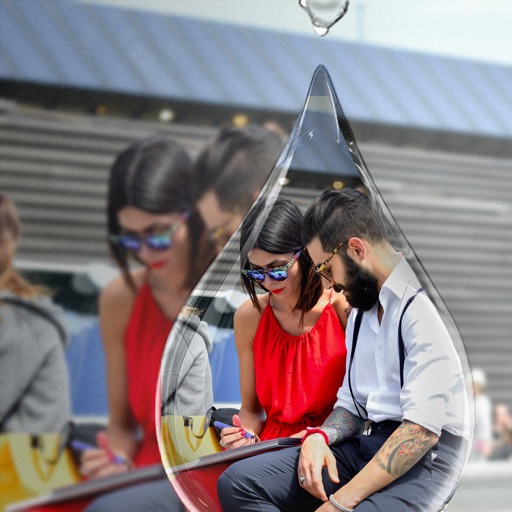
Edit photos with PIP frames, collages, and creative layouts. Add crystal bottle patterns and cartoon styles. Share edited photos directly to social media. Adjust brightness, contrast, and colors. Crop and rotate images.
Capture or import videos to edit. Apply imaging effects to enhance visuals in low-light conditions. Adjust brightness, contrast, and color temperature. Export edited videos in various formats and share directly.
With AI-based auto image enhancer. Upscale images up to 4X without loss of . Recolor black and white photos automatically. Edit photos with color adjustments and resolution improvements.
Capture and edit photos with AI-powered enhancements. Adjust colors, brightness, and contrast. Apply filters and effects. Add text and stickers. Export in various formats and share directly.
Edit photos and videos with customizable , presets, and effects. Add grain, dust, blur, and dark effects. Adjust colors and create atmospheric effects. Share edited content directly.