Count items with simple buttons that add or subtract numbers. Track scores during games. Store multiple counts in separate lists. Share counts via text or email.
by Jacob Sparling★ 5.022 ratingsUtilitiesFreeData updated 2026-09-06
Count pills using real-time imaging or manual input. Track medication schedules and dosages. Sync with electronic health records. Receive alerts for missed doses. Export count data for records.
Play on Phone, , and Tablet. Navigate through levels without hitting obstacles. Score 5 times to activate FEVER MODE and break blocks. Each world features unique combo moves. Collect all birds to unlock new gameplay.
Calculate totals by entering bill and coin counts. Customize denominations for local currency. Save previous counts for reuse. Share totals securely via email or messaging.
Allows users to count numbers by tapping the screen. It includes Notify Mode for vibration alerts based on count settings. Users can add notes to each count and edit records in a list.
Manage multiple counters with unlimited creation and customization options. Personalize each with distinct colors. Sort counters by name or value. Track and reset counts as needed. Export data to CSV for record-keeping.
Colors to clear the board by aligning cannonball hues with spinning wheel colors. Progress through increasing difficulty levels. Skip or revisit challenging levels. Save progress and continue playing without restarting.
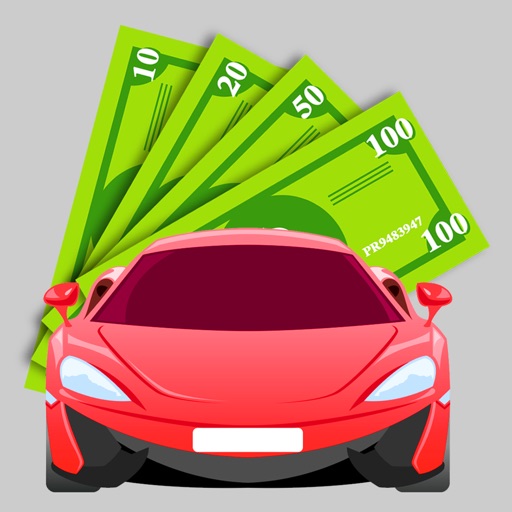
Tap to count virtual currency and earn more by upgrading your tapping amount. Buy sports cars and progress through the game. Remove ads via in- purchase. No real transactions are available.
Track players' life totals with text entries and large buttons. Adjust settings for different screen orientations. Share game progress and manage turns directly from the device.
Allows users to count items by tapping the screen or holding for alternate counts. It provides vibration and sound feedback for each input. Users can switch between green and red counters and reset counts as needed.
Turn your iPhone into a minimalist device by replacing icons and notifications with simple buttons for essential apps. Customize your home screen to focus on necessary functions only.
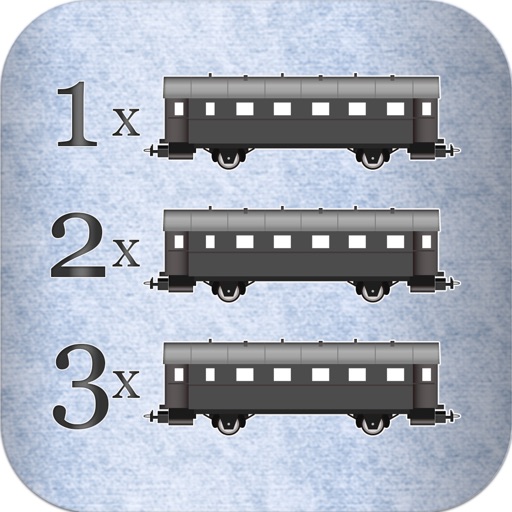
Track scores for 'Ticket to Ride' by counting cars and validating counts against used cars. Receive distinct sounds for each button press to confirm actions. Avoid recounting with built-in validation checks.
Count up or down by tapping. Customize the display and reset the . Adjust values manually or through quick taps. Features include editing, resetting, and a user-friendly interface.
Counting allows users to tap the screen to increment or decrement numbers. Features include four separate counters with customizable settings, automatic save, reset options, labeled entries, and switch between counting up and down.
Track counts with a tap or swipe. Create unlimited in an adaptive layout. Manage multiple counts in a list. Use full screen mode for distraction-free counting. Adjust options by holding the screen.
Track and count items or people efficiently with real-time updates and discreet notifications. Set custom labels, group entries, and export data. Monitor progress with visual indicators and receive alerts for specific thresholds.
Track items and quantities with a digital counter. Add, remove, and categorize entries. Set reminders and export data as reports. Sync across devices for consistent tracking.
Track and count items such as , cars, or animals. Set a maximum target value and receive vibration feedback. Display a red alert when the target is reached. Monitor venue capacity or count laps. Supports left and right-hand input.
KUPERTINO BIL. YAZ. HALIL IBRAHIM KARAHAN SAFFET ARSLAN MUSTAFA AYTEN MUHAMMET YALCIN OZDEMIR K. S.
Set taps, start, and automate
Automates repetitive tap actions in apps or websites. Set intervals, hold durations, and repeat counts. Save and reuse profiles. Includes a private browser for secure testing and browsing.