Read and scroll text on-screen using voice commands or manual control. Adjust text size, font, and speed. Import scripts from files or copy-paste. Record audio and with live text overlay. Share finished videos directly to social media or email.
View JPEG and HEIC images directly from folders, SD cards, or removable devices without importing. Switch between fit-to-window and full-size modes for detailed previews.
Create custom island and wallpapers for iPhone models. Import a photo as background, choose from over 80 styles, and save to album or set as . Adjust settings to personalize design.
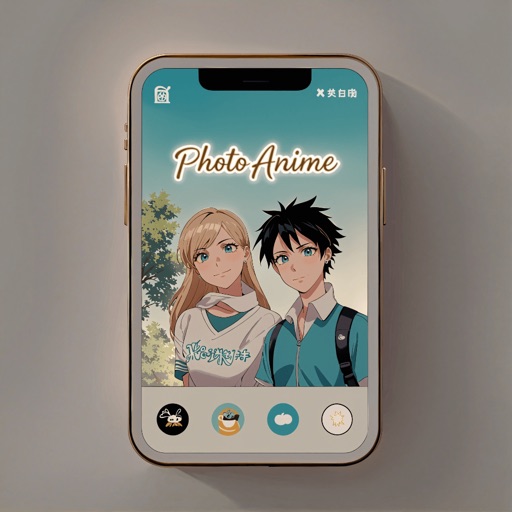
Convert to anime-style artwork using 10+ available styles. Customize transformations with prompts. Save creations to the gallery. Share transformed images directly.
Edit photos using AI to generate professional headshots and creative styles. Adjust lighting, background, and pose. Save and share edited images directly. Apply filters and customize details for different purposes like LinkedIn, dating, or avatars.
Edit photos with sharpening, unblurring, and resolution enhancement. Convert low-res images to HD 4K. Improve color and details in old photos. Remove blemishes and brighten dark areas. Save and share edited photos in various formats.
Create collages using free backgrounds, stickers, and fonts. Add text and images. Save collages to device or print. No account or social sharing required. Suitable for classroom and children use.
Create videos and slideshows with trimming, cutting, and splicing tools. Add filters, themes, music, and text overlays. Export videos in various formats and share via Facebook, Instagram, YouTube, WhatsApp, and other social media platforms.
Create slow motion and high videos with adjustable playback speeds. Flip videos left-right and modify sound pitch to match . Pro version allows custom ranges, preserves pitch, and saves as MP4, GIF, or Live Photo.
Arthur Eduardo Skaetta Alvarez Desenvolvimento de Software LTDA.
Convert videos to Photos
Convert videos or image sequences into Photos for use as dynamic wallpapers. Select videos or up to 10 photos from the camera roll. Create Photos without an internet connection. Apply motion effects to enhance visual appeal.
Enhance photos with one-tap adjustments for Hi-Def, Scenery, Food, Portrait, and Night modes. Blur or whiten specific areas by dragging. Remove red-eye with a single tap. Export edited images in standard formats.
Animate static images by painting direction and using a stop brush. Combine and blend unlimited layers from photos or online sources. Add animated effects with built-in tools. Export and share finished animations.
Explore a large collection of popular and manga wallpapers. Save favorites for easy access. Customize wallpapers with filters. Share wallpapers to camera roll. Supports both portrait and landscape orientations on iPads.