Create and edit progressions with inversions, sus2, sus4, 7th, and 9th chords. Play chords as piano or synth or send MIDI to macOS. Use phone as MIDI keyboard for macOS. Practice reading musical notation.
by Roman Sevastyanov★ 4.881 ratingsEducation$3.99Data updated 2026-11-09
Practice with progressive drills for all seven clefs. Learn sight- through interactive exercises tailored to your instrument. Track progress with detailed feedback and adjust difficulty levels as skills improve.
The app teaches note recognition and sight reading skills through a musical game. Players help an animated character catch notes, combining education with entertainment via an intuitive interface.
The app offers a virtual fretless bass instrument with a piano-like note layout. It provides 13 sampled bass sounds and supports MIDI input/output, Audio Unit 3, and Audiobus.
Learn music theory with lessons on seventh chords, embellishments, and secondary chords. Explore minor harmony, modes, and modal mixture. Access tactics used by artists like The Beatles and Michael Jackson.
Allows users to practice ear by playing back pitches on their instrument. The uses pitch recognition to identify notes and provides feedback. Users can select different instruments and practice identifying and replicating musical notes.
The app transforms a user's voice into a choir with up to four voices. It offers pitch shifting, harmonizing, and automatic tuning correction with a visual intonation display.
Play virtual with 17 keys and full string connectivity. Access preloaded songs and lessons. Learn chords and riffs with guided tutorials. Add new tabs weekly. Export performances and share directly.
The app teaches note recognition and sight-reading skills through a musical game. It features an animated character and adjustable difficulty for players of all ages and skill levels.
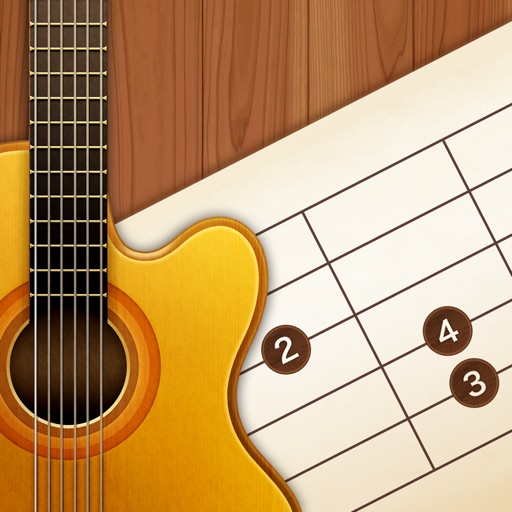
View diagrams for 12 keys and 32 chords. Display three fingering positions for each . Play sounds to hear the notes. Practice chords with visual guides and audio feedback.