Create and edit progressions with inversions, sus2, sus4, 7th, and 9th chords. Play chords as piano or synth or send MIDI to macOS. Use phone as MIDI keyboard for macOS. Practice reading musical notation.
by Roman Sevastyanov★ 4.881 ratingsEducation$3.99Data updated 2026-11-09
Generate chords from a single MIDI note using scale and tonality options. Automate progressions with customizable patterns. Export MIDI files and integrate with DAWs for music production. Adjust voicings and inversion settings.
Create and compose music using a professional tool with MIDI control. Generate harmonic sound textures and cinematic tracks. Control VSTs, synthesizers, and sound modules. Visualize musical relationships and interact with geometric pitch space.
Create chord sequences based on a root note and mode. Generate related chords using mathematical algorithms. Adjust complexity and freedom levels to control sequence variation. Integrate with DAWs as an AUv3 MIDI plugin.
The app processes and synthesizes live voice for music creation. It offers tools like vocoders, auto pitch, and harmonizing pitch shift for diverse vocal effects and soundscapes.
Practice ear with exercises on intervals, chords, scales, and melodies. Select intervals within two octaves and activate backing chords for practice. Identify and repeat musical notes and patterns to improve listening skills.
Practice chord progressions by setting for each bar and playing them on the keyboard. View chord tones and sounds in real time. Play full songs with multiple bars. Track chord patterns for pop and jazz music.
Train musical skills with real-time pitch detection and MIDI instrument support. Practice names, solfège, and Curwen hand signs. Use a virtual keyboard with 88 keys. Access 20 question/answer modes for theory and ear training.
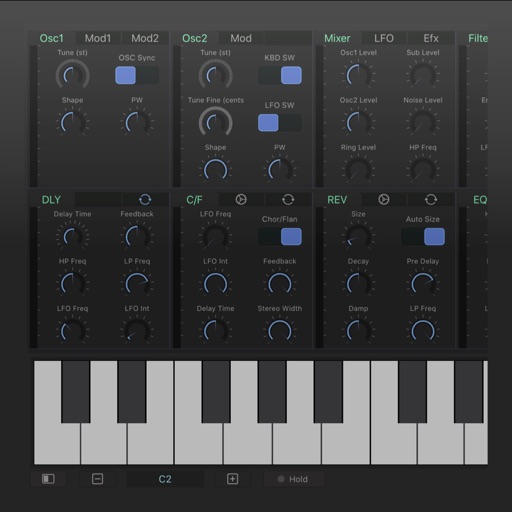
Create and manipulate monophonic bass sounds with a synthesizer featuring 140+ factory presets. Apply stereo effects and control via ROLI Seaboard or other MPE controllers.