The app offers a customizable interface with real-time waveform display and strobe illumination. It provides chromatic tuning with adjustable sensitivity and multiple temperament options.
Create and analyze musical scales and chords by tapping pitches on a virtual keyboard. View them as sheet music on a staff. Transpose scales and chords freely. Explore detailed harmonic properties and relationships.
Measure and analyze sound with real-time decibel readings and color-coded safety indicators. Track minimum, maximum, and average levels. Save measurements with location and notes. Receive warnings at dangerous sound levels.
Edit audio files with multi-track support, precise scaling, and trimming. Adjust volume, apply effects, and export in various formats. Share edited files directly or save to device storage.
Play using fretless fingerstyle techniques. Adjust tone with finger pressure on the screen. Access layered sound samples for each note. Practice scales and chords with on-screen notation. Record and replay performances.
Practice English pronunciation with AI feedback and native speaker audio. Record and analyze speech for clarity and accuracy. Access structured lessons for exams and everyday conversations.
The app is an audio and video recording application for iPhone or iPad. It provides recording, editing, and export features for creating and sharing audio and video content.
Tune instruments using a built-in microphone and chromatic scale. Display pitch with a clean interface. Adjust tuning settings manually. Disable ambient noise reduction for improved sensitivity.
Analyzes live audio to identify chords in real time. It recognizes song titles and artists from released tracks. It processes data entirely on the device without internet. It displays a visual waveform and changes.
The app handles audio tasks like recording, ringtone creation, and format conversion. It offers multi-track editing with markers and supports Audio Units for extended capabilities.
Analyze signals with real-time spectrogram, spectrum, and oscilloscope visualizations. Identify frequencies and measure response of equipment. Detect phonetic elements in speech and visualize animal calls. Check singer’s formant for vocal analysis.
Use a microphone to create live or recorded loops with trigger modes via keyboard. Process sound with bit and sample crusher, delay, and flanger. Play using a 25-key dynamic keyboard or core MIDI.
The app uses motion sensors and the touchscreen to alter audio output frequency. Users can adjust frequency, sensitivity, waveform, and effects for each axis.
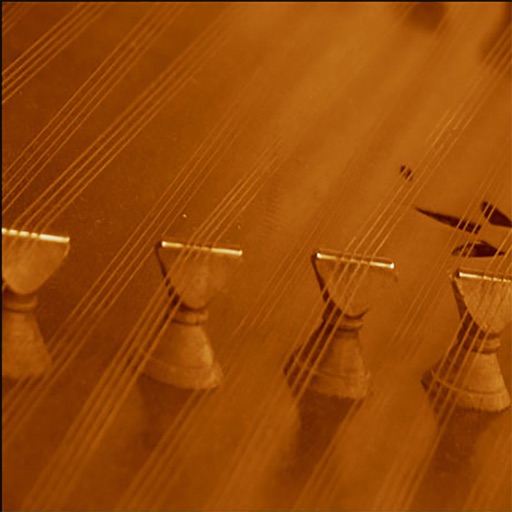
Play traditional sounds with adjustable chord, rhythm, and instrument volumes. Customize pitch by sliding strings and transpose notes. Adjust rhythm speed and access two octaves of playable range.