Save and store artwork images with detailed metadata in a secure cloud system. Capture artwork information with one click. Create a digital diary of art collections. Share saved artworks with others. View and organize saved art pieces.
by Blob Ventures LLC★ 5.06 ratingsEducationFreeData updated 2026-09-22
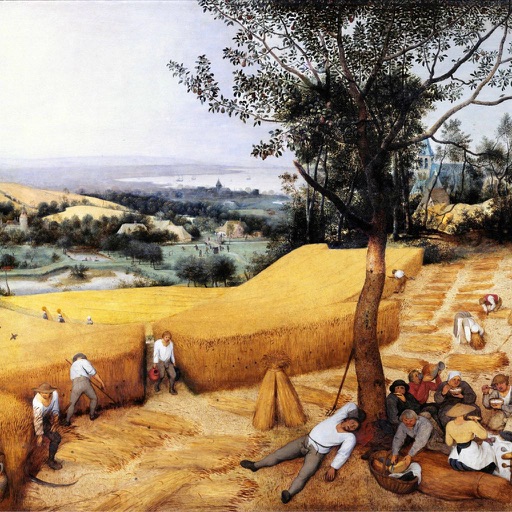
Collect and view 92 Pieter the Elder paintings. Browse high-resolution images with customizable filters and categories. Download artwork to a mobile device. Rate paintings and refine views based on ratings.
Create drawings step by step using pre-designed templates on various themes. Select and customize colors, add text, and save or share completed artwork. Access tutorials and instructional guides to drawing techniques.
Offers interactive pages with animations and sounds. Users can choose from classic draw, glow effect, color by number, and pixel art modes. Features include offline access, no ads, and simple controls for safe, uninterrupted play.
Create and share drawings with a full-featured drawing tool that includes random theme generation for inspiration. Access a public gallery to view and share artwork globally. Follow step-by-step guides or freely.
Explore locations to engage in activities like designing rooms, cooking, creating art, shopping, and role-playing. Relive fairy tales and discover hidden games in school and club settings. Build and customize family and school life scenarios.
Learn about and their artists through structured lessons and quizzes. Review artwork details, historical context, and stylistic elements. Use an adaptive spaced repetition system to reinforce knowledge over time.
Explore historical drawings and paintings related to Concentration Camp through . View artworks overlaid on the memorial site. Listen to audio clips for additional context. Access excerpts from graphic novels by descendants of prisoners and artists.
The app offers a joyful art space for kids with simple drawing tools and multiple colors. It includes coloring templates for learning and an AI feature that transforms doodles into characters.
Create animations and games using coding blocks and personal artwork. Capture photos and record sounds to integrate into projects. Share finished work with friends and family.
Create animated videos by acting in front of the camera or touching the screen. Record voice and save animations. Follow guided activities to make crafts and animate them. Share finished animations directly.
The app presents a collection of nearly 200 painters and their iconic works. Users can explore artwork details, artist biographies, and sort content by various criteria.
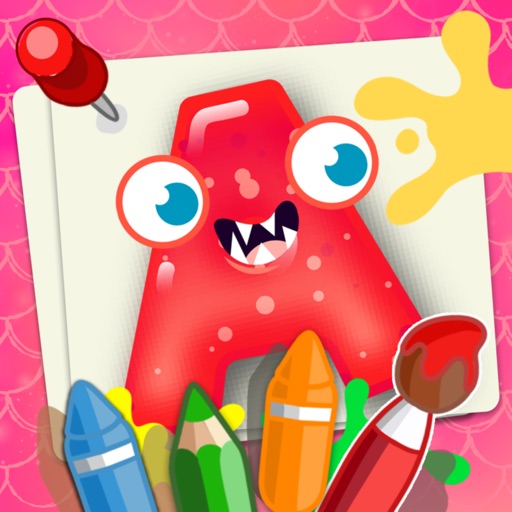
Can color vibrant pages with various tools like crayons, spray paint, and glitter. They can save artwork, share creations, and explore educational themes that enhance fine motor skills and color recognition.
Pages let users create art with interactive pages. Choose colors and tools to customize designs. Save and share completed artwork. Learn about colors and shapes through creative play.
Learn emergency medicine through personalized video and article content tailored to individual weaknesses. Prepare for In-Service and ABEM exams with targeted study materials. View interactive art and engage on a social learning platform.
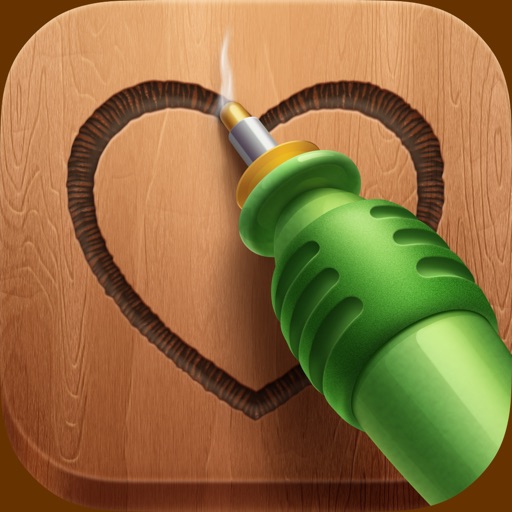
The app offers a pyrography simulation with two instruments and two game modes. Users can create art on wood canvases, drawing with their fingers and posting creations to social media.
Explore scripture-based Rosary prayers with customizable settings. View artwork for each decade and access Divine Mercy content. Track prayer progress and set reminders for daily devotion.