Apps Like White Background Frame for iPhone and iPad
Photos and adjust layouts
And edit photos with customizable size formats. Choose from square, portrait, or landscape. Add photos from the library and adjust their position, rotation, and size. Use the adjustments tool for precise edits.
by Thomas Lojko★ 4.6699 ratingsPhoto & VideoFreeData updated 2026-09-22
Create and with friends across Snapchat, Instagram, and WhatsApp. Add photos to a , invite friends to view and comment, and manage access settings. Sync with multiple platforms and track who has viewed each .
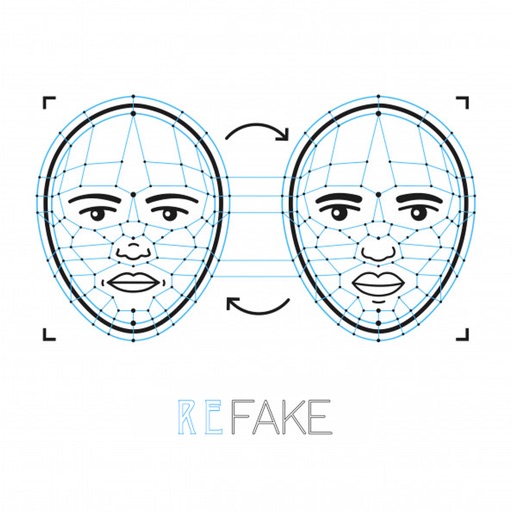
Faces in photos by selecting two images and exchanging them. Save edited photos to the gallery. Share results on social media platforms. Edit with tools like cropping, adding text and stickers, drawing, and rotating objects.
Apply filters and to photos. Select from pre-designed templates to create images or cards. Edit photos by adding text, stickers, and custom . Share edited photos directly.
Allows users to images with a single tap. Choose from pre-made templates or apply filters to enhance photos. Automatically or manually backgrounds. Add emotions and creative elements to improve visuals.
Edit photos to convert them into and with adjustable contrast, brightness, and grain. Apply filters and vintage effects. Crop, rotate, and add text overlays. Save and share edited images in various formats.
Convert videos and photos into GIFs. Adjust speed, loop, reverse, and change frames. Add filters, effects, text, and animated stickers. Trim, crop, and reorganize frames. Edit individual frames and preserve transitions. Make videos from GIFs.
Create slideshows by selecting images from the photo library. Add music from Apple Music or the 's library. Apply filters and special effects to photos. Include text, emojis, and adjust length.
Edit photos with single-tap effects and professional filters. Adjust brightness and contrast. Apply blur and focus tools. Enhance portraits with specialized filters. Export edited images in various formats.
Create and style photos with single tap effects. Apply 8 filters including , Cartoon, and Dots. Share images to social media or save to photo library. Print photos directly.
The app allows users to place their photos on various mockups like billboards and magazine covers. Users can select a template, add a photo, and adjust its size, zoom, and rotation.
Enhance photos with Hi-Def, Scenery, Food, Portrait, and Night modes. Apply over 100 free and purchasable filters. Add stickers, frames, and overlays. Touch up selfies with redey tool. Share edited photos directly.
Edit photos by selecting from Camera Roll or taking new shots. Apply real-time effects to create prism-like glass pieces. Adjust frames, shapes, and patterns. Rotate, resize, and drag elements for custom designs. Export and share edited images.
Convert photos into -compatible SVG files while preserving details. Import SVGs directly into for seamless use. Access a library of high-quality brushes for detailed digital artwork creation.
Edit photos with PIP frames, collages, and creative layouts. Add crystal bottle patterns and cartoon styles. Share edited photos directly to social media. Adjust brightness, contrast, and colors. Crop and rotate images.
Edit photos with light effects, dust, grain, or grunge to add retro vibes. Apply filters by tapping. Design unique photos with custom effects. Edit videos and live photos with similar enhancements. Share edited content directly.
Send photos from your library to Snapchat DMs directly. Integrate with Snapchat account for seamless sharing. Add edits before sending. Ensure secure and private image transfers. Connect with friends instantly.
Create collages with customizable Polaroid, SCRL-style scroll, and grid layouts. Choose from modern, vintage, minimal, and film-style . Adjust colors, borders, and text. Export with transparent backgrounds and share directly.
Capture photos with film effects including dust, scratches, retro colors, flicker, light leaks, and frame shake. Adjust exposure, contrast, and color balance. Export images in various formats and share directly.
Images from your photo library or camera using Google, Bing, Yandex, or TinEye. Verify authenticity, detect fake photos, car brands, and recognize animal names. images via URLs.