Apps Like White Background Frame for iPhone and iPad
Photos and adjust layouts
And edit photos with customizable size formats. Choose from square, portrait, or landscape. Add photos from the library and adjust their position, rotation, and size. Use the adjustments tool for precise edits.
by Thomas Lojko★ 4.6699 ratingsPhoto & VideoFreeData updated 2026-09-22
Apply filters to photos and videos to enhance colors and tones. Edit videos with trimming, cutting, and adding effects. Share edited content directly to social media platforms.
The app allows users to record their voice over photos. Users can then share these talking photos with friends and family via messaging apps or save them.
Create day cards using photos and add love heart shapes and romantic frames. Apply couple themes and background music to photos to make videos. Share finished videos or cards directly.
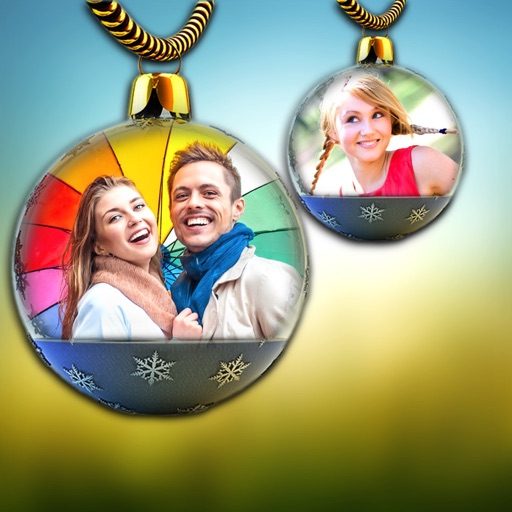
Apply frames to images. Adjust frames to fit photos. Edit images with special effects. Save and share edited photos. Switch between different frames easily.
Remove from photos by selecting areas to erase or using color selection. Add custom backgrounds. Undo or reset edits. Import photos from phone or take new shots with the built-in camera.
Create collages by combining multiple photos using drag-and-drop layout tools. Edit individual images with cropping, filters, and brightness adjustments. Add text, stickers, and frames to enhance visuals.
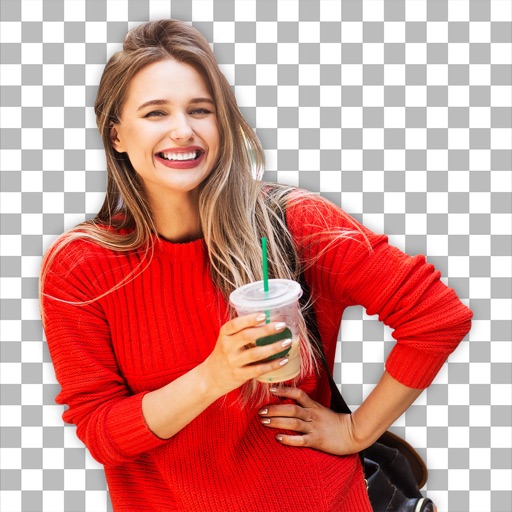
Remove backgrounds from photos using AI to detect and isolate objects. Change backgrounds with gradient options or custom colors. Save edited images to the photo library and share them on social media.
Capture photos with GPS coordinates, latitude, longitude, and altitude. Add local date and time based on location. Include street address and optional Unicode characters for direction and position. Stamp photos with UTM/MGRS coordinates.
Upload photos from your library to an online collection. Order prints at full resolution with options for glossy or matte finishes. Select from over 50 print sizes and add white borders for a classic look.
Photo organizer that identifies duplicates, similar shots, and clutter. Highlights photos and suggests deletions. Allows users to review recent photos and clean up their library efficiently.
The app offers layer-based photo editing with unlimited layers. Users can add textures, typography, artwork, masks, and adjustments to personalize images.
Apply creative filters to layers including blend, mask, pointillize, frame, distort, and more. Stack and save filter templates. Add motion with transition and create videos using built-in tools.
Edit photos and videos with filters, effects, and adjustments. and scale using predefined canvases. Rotate, flip, and blur images. Add text, stickers, and frames. Share full-size content to Instagram and other social media without cropping.