Collect and edit text across Mac, iPhone, iPad, and Apple Watch. Organize notes with color-coded dots. Switch between dark and light mode. Minimize interface clutter with simple formatting tools. Sync text across devices seamlessly.
by The Iconfactory★ 4.4237 ratingsProductivityFreeData updated 2026-09-22
Study with using spaced-repetition and Apple Pencil. Create and annotate notes directly in apps. Export for mobile review. Track progress and manage study sessions. Sync notes across devices.
Take notes using Markdown with formatting options like tables, lists, and images. Sync data across platforms via GitHub, Git server, or iCloud Drive. Create and manage for task organization. Use whiteboarding features to sketch and collaborate.
Entries are password-protected and stored locally on the device. Track mood changes over time. Use markdown for formatting. Monitor writing streaks and view entries in list or calendar format.
Store frequently used text snippets like addresses, phone numbers, and links. Access and insert saved texts across iPhone, iPad, and Mac. Sync texts between devices and use as a keyboard extension for quick replies.
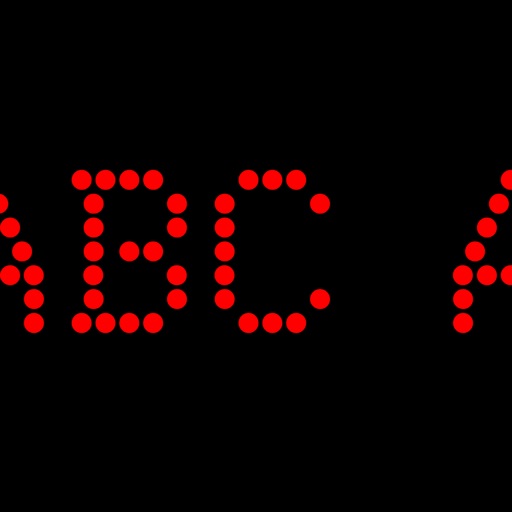
Displays scrolling text messages and emoticons on an LED dot-matrix screen. Users can input messages, choose text colors, and adjust scrolling speed. Supports continuous operation with customizable content.
Write and format text with support for tables, footnotes, lists, images, and links. Highlight, strikethrough, superscript, and MathML are available. Import and export documents from compatible apps. Edit and preview on iPad, iPhone, and macOS.
Browse and manage files including databases, SQL files, CSV files, and folders. Import databases from iCloud Drive. Open external SQL, CSV, and filter files. Rename, duplicate, or remove files and folders. Edit databases with intuitive tools.
Manage files and directories with a built-in browser. Download files via HTTPS. Preview markdown content. Input symbols using an accessory view. Share files with other apps.
Provides AI-powered text generation, translation, and editing. It fixes spelling and grammar, adjusts tone, and answers questions. It works across apps, supports over 50 languages, and streamlines communication without switching apps.
Adapts its interface in real time based on active apps, windows, or tools. It offers deep integrations, customizable layouts, macros, DAW/MIDI control, and a library of presets. Users can switch apps seamlessly and access relevant tools instantly.
Allows users to store and manage clipboard content, including text and images. Edit clips, create new ones, and organize them into folders or mark as favorites. Access favorites and folders via home screen widgets.
Journal "Create and organize entries with rich text editing. Insert photos and images. Customize fonts and themes. Read entries in -like format. Share entries with others."
Create and edit documents with text formatting, bullet points, and table insertion. Collaborate in real-time with team members. Export files in PDF and formats. documents via email or cloud storage.
Edit code and files in multiple programming languages and formats. Support syntax highlighting, auto-indentation, and line numbering. Save, share, and export documents. Search and replace across files. Dark mode and customizable themes available.
Transfer files between iOS devices via without file type limits. Share local documents, photos, and folders. Resume transfers, manage multiple files, and view transfer history. Sync file operations across devices.