Apps Like BG Remove: Background Editor for iPhone and iPad
Remove from photos
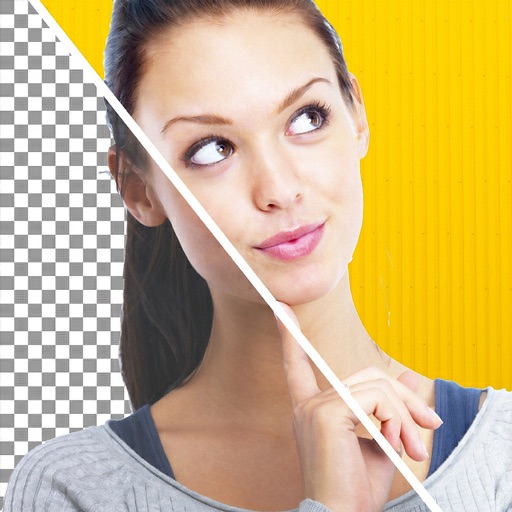
Remove backgrounds from photos using AI. Select images from the gallery, automatically detect and cut around people or objects. Save as transparent PNG or replace with HD backgrounds. Edit and share edited photos directly.
by Pankaj Yadav★ 4.3880 ratingsPhoto & VideoFreeData updated 2026-09-22
Photos lets users photo backgrounds with a few taps. Adjust strength and apply bokeh effects. Remove unwanted objects or faces. Enhance focus on subjects by isolating them from the .
Create videos by selecting photos from the gallery and adding music. Choose from 50+ transition effects. Adjust frame speed and layout ratio options including portrait, square, and landscape. Preview and edit in real time.
Edit videos, erase objects, remove unwanted elements
Edit videos by removing objects, people, or unwanted elements. Use a magic tool to clean up clips quickly. Erase specific areas with precision and save edited videos for sharing.
Edit photos with AI-powered object removal and background blur. Generate from text using AI. Adjust colors, brightness, and contrast. Add filters and effects. Crop and resize . Share edited photos directly to social media.
Edit photos with customizable backdrops, fun fonts, and themes. Add stickers and create visual stories. Track growth with monthly updates and share finished artwork.
Edit photos with cartoon-style anime filters and portrait transformations. Colorize black-and-white images using AI. Remove or replace backgrounds with one tap. Enhance skin tone and texture with AI-powered retouching.
Editor lets users backgrounds, , or specific areas of images. It offers automatic , hand-drawn , face blurring, and various effects. Users can adjust intensity and apply the effect to selected regions.
Add to videos by selecting a from the photo album, choosing an audio file, setting the audio start time, and merging the and audio. Share the combined clip directly to social media platforms.
Blur image backgrounds to create effects. Select photos from gallery or capture new images. Apply multiple blurring tools to adjust blur intensity. Export edited photos to device storage.
Edit photos with unblur, object removal, and background cleanup tools. Apply AI filters, artistic styles, and motion effects. Create photo animations with one tap. Export and share edited images directly.
The app automatically detects teeth for whitening and retouching photos. It offers tools to adjust smile appearance and lip shape, along with an object remover and photo filters.