Documents by scanning with device camera and printing with one tap. Resize and choose color or monochrome options. Share documents via email, AirDrop, or supported messaging apps. photos directly from device.
Print documents and photos from iOS devices. Scan and annotate documents. Choose from supported printers to print. Create and print text notes. Edit scanned content before printing. Requires subscription for full features.
Create resumes using pre-designed templates. Input personal and professional details to generate formatted documents. Email or print resumes directly from the . Include cover letter support and save drafts for later editing.
A with a clean interface and basic colors allows users to collaboratively. Features include drawing with fingers or stylus, clearing the board, and sharing drawings via email or social media.
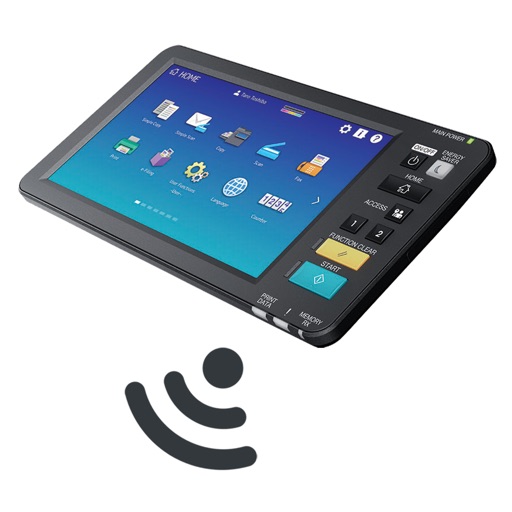
The app allows remote operation of MFP panel screens and data entry from an iPhone or iPad. It also enables importing scanned data and using the device's address book for sending documents.
The app allows users to initiate print jobs from their iOS device. Users can release print jobs anytime by scanning a QR code on the printer, improving environmental efficiency and reducing costs.
Resize images in pixels, millimeters, centimeters,
Resize images by specifying dimensions in pixels, millimeters, centimeters, or inches. Maintain aspect ratio by linking width and height fields. Save, email, print, or share the resized .