Create videos by selecting from a video library and adding your or others' faces. Edit videos with filters and effects. Share finished videos directly.
by LQL Studio One Member Company Limited★ 4.5685 ratingsEntertainmentFreeData updated 2026-09-22
The app allows users to slim faces and bodies in videos without background distortion. It also offers photo editing features to adjust appearance and add color to black and white images.
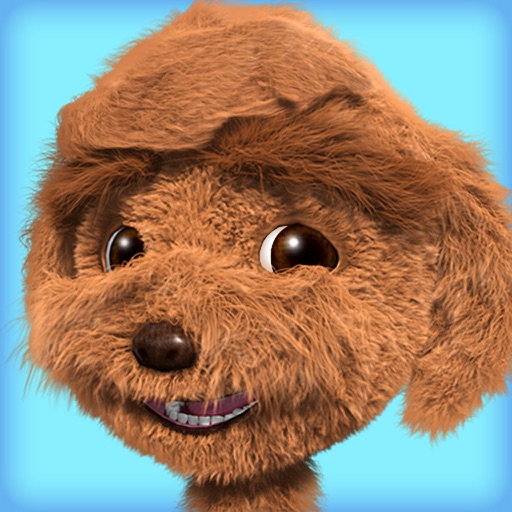
The app features a curly-haired dog named Tyler who responds to touches and repeats speech in a funny voice. Users can interact with Tyler through various actions like tickling, poking, and feeding him, and observe his reactions to different stimuli.
Edit videos by trimming, cutting, and cropping clips. Overlay stickers and multiple clips. Add music to enhance videos. Create professional-looking vlogs with intuitive tools. Export and share finished videos directly.
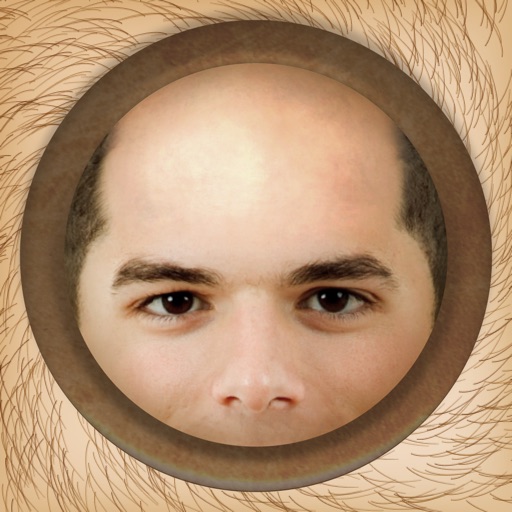
The app allows users to instantly make people bald in photos using an iPhone, iPod Touch, or iPad. It works with photos from the device's camera, photo library, or Facebook albums.
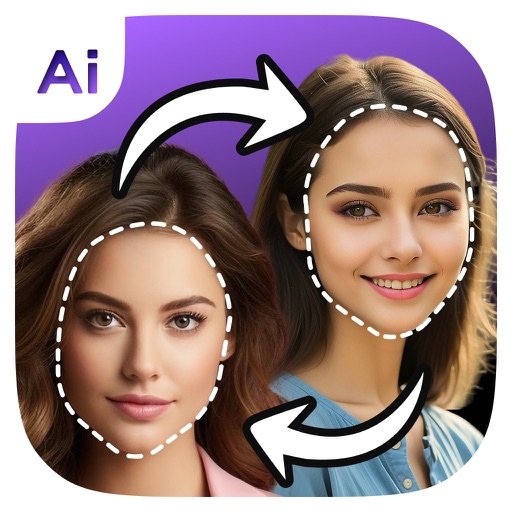
Faces in photos using AI technology. Apply 1000+ preloaded templates or upload custom ones. Adjust facial features and expressions. Export edited images in various formats and share directly.
Apply filters and facial features in real-time. Adjust intensity and style options. Share edited faces directly to social media. Customize patterns and save presets.
Create relaxing paintings by tapping to color. Access new free graphics daily. Share time-lapse videos with friends. View high-quality artwork and enjoy an easy, stress-free experience.
Create animation effects by morphing between two or more photos. Transform faces of family members, friends, or celebrities. Export and share the resulting videos. Adjust timing and transitions for custom animations.
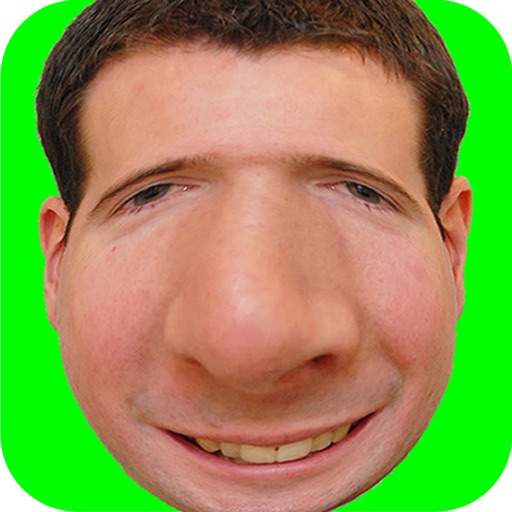
Take photos and add humorous to faces. Upload or capture images directly in the . Choose from generated styles. Share edited photos via text, Facebook, and Twitter. Use personal or celebrity images for fun.
Edit videos with rotation, scaling, and cropping tools. Add borders and frames for square format. Trim clips and share directly to Instagram, Facebook, or Vines without cropping. Apply blur to background for enhanced visuals.
Faces in photos and videos using AI technology. Choose from various faces and apply art styles or templates. Transform into cartoon characters, avatars, or digital artworks. Edit and share the final result directly.
Create short videos by arranging clips, adding music, and applying effects. Edit footage instantly without complex tools. Save videos to camera roll or share via email, Twitter, and Facebook.