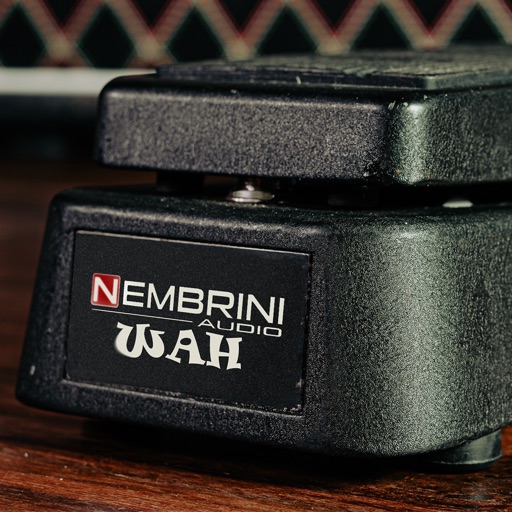
Add tube color to audio signals with a custom distortion effect. Adjust gain, frequency, and drive controls. Insert directly into tracks for real-time processing. Includes a -style interface with precise parameter tuning.
by Nembrini Audio S.r.l.★ 5.07 ratingsMusic$2.99Data updated 2026-09-22
Turn your iPhone or iPad into a multi-effect processor for electric guitar and bass. Connect via iOS-compatible audio interface. Adjust effects in a traditional chain or use amp-less setups. Record and playback audio.
Create and customize analog-style sounds with up to 8 voices. Adjust oscillators, sub-oscillator, and noise source. Use AUv3 for integration with DAWs. Design patches with classic synth parameters.
Edit audio signals with a wide range of amplifiers and effects. Choose from 46 amps, 44 cabs, and 101 FX. Apply virtual circuit modeling for accurate sound simulation. Save and recall custom presets.
Record audio with emulation effects including echo, start, and stop functions. Apply Lo-Fi analog sound characteristics. Export as AUv3 plugin or standalone format.
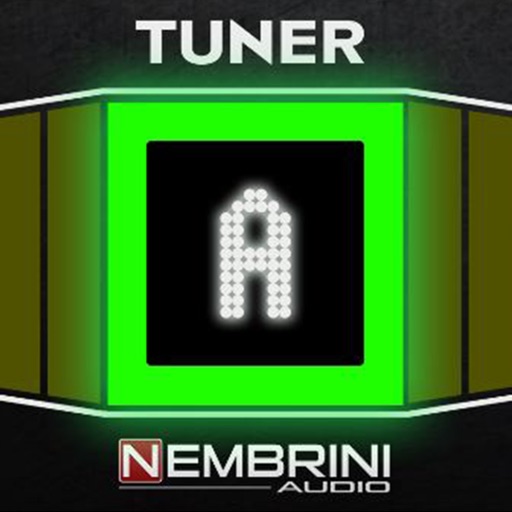
Tune instruments with a chromatic that auto-transposes notes up or down by an octave. Display shows pitch in bright LED. Supports calibration to any pitch standard. Offers ultra-precise tuning with ±0.01 cent accuracy. Includes drop or capo mode.
Create and customize basslines with a synthesizer and drum machine. Adjust waveform shapes, filter settings, and envelope parameters. Sequence rhythms with step editors and pattern loops. Export audio files and share directly.
Play virtual instruments with multitimbral capabilities. Supports standalone or plugin mode. Compatible with macOS, Windows, Linux, and iOS. Adjust interface size for different monitor setups. Control via SL Keyboard or other MIDI inputs.
Adjust audio with dual gain stages and interactive 3-band EQ. Apply advanced DSP edge filtering for precise tone shaping. Use as standalone , AudioUnit v3 effect, or Inter- Audio effect.
Create custom guitar distortion effects using emulated circuits from various sources. Adjust tone shaping parameters and combine effects in a chain. Export presets and apply to audio tracks in DAWs.
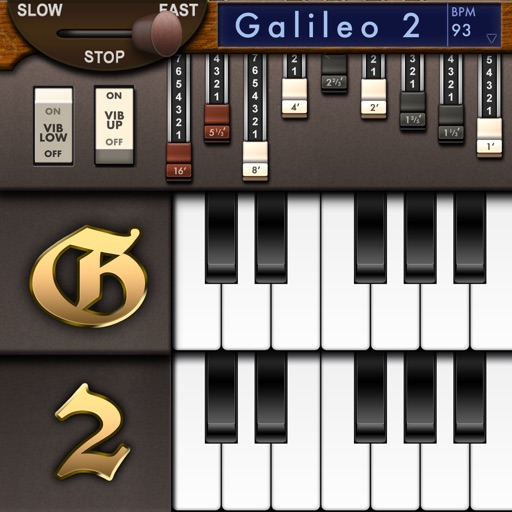
Create and customize sounds with 17 different types. Configure three manuals independently. Use scanner vibrato and chorus effects. Simulate rotary cabinets and tube amplifiers. Access AUv3 plugin for integration.
Record up to 16 tracks with effects like pan, reverse, reverb, tremolo, and tempo delay. Use as a standalone or plugin. Manage master and input effects. Loop and layer audio for creative playback.
Record and process audio with parameters for tape distortion, playhead loss, wow/flutter, and tape degradation. Emulate various tape machines and types. Adjust tape saturation and frequency response.
Create and save multi-track music projects on iPad, iPhone, or Mac. Record and import audio tracks, browse samples with previews, apply effects, and use high-quality synthesizers and drum kits. Edit, mix, and render complete songs.